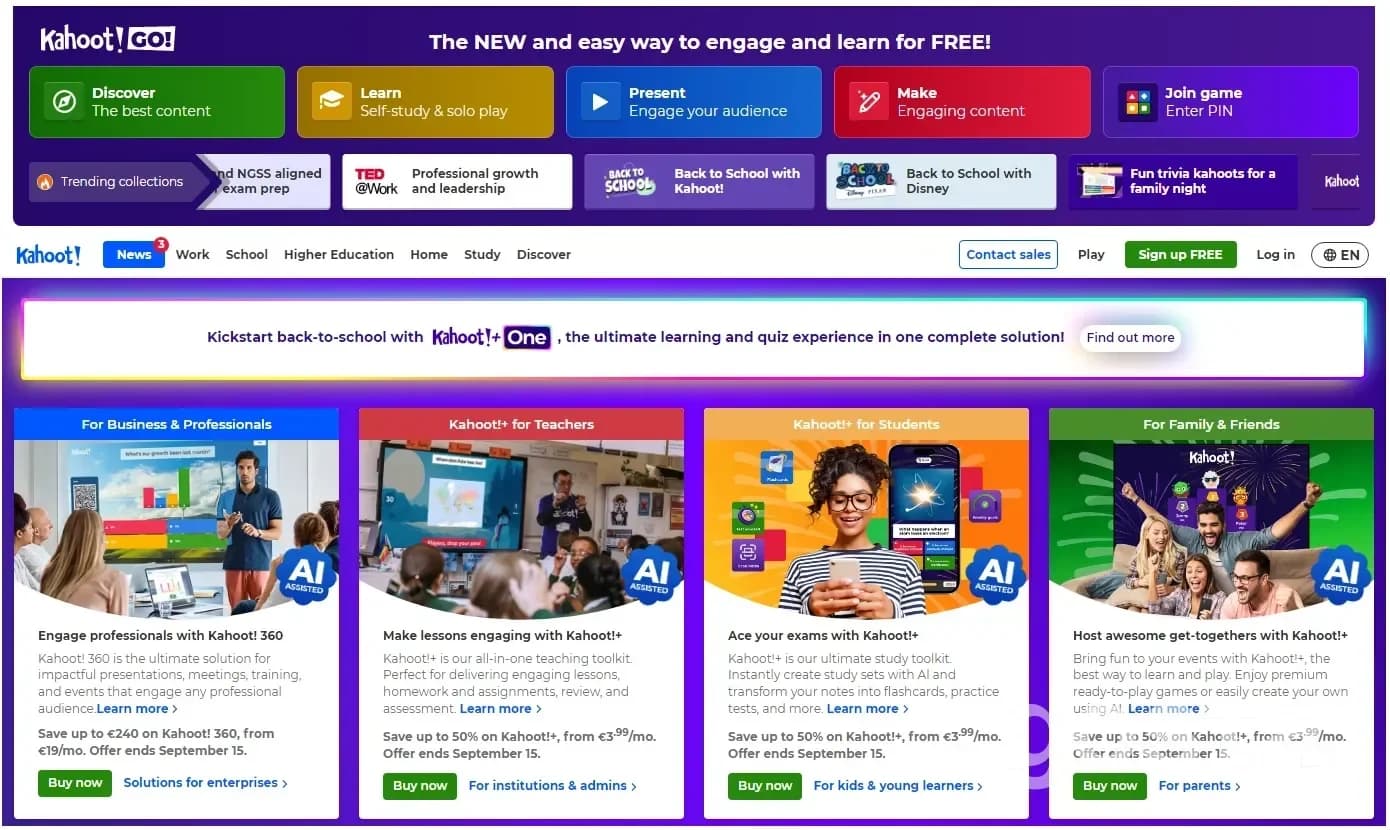
Kahoot is an online platform where you can create quizzes, polls and learning games. It's bright, simple and easy to use, even if you've never tried it before. The idea is to make learning and testing fun and interactive. People use it in schools, universities and even companies. Teachers run it to review lessons, businesses use it for training and team building. You can also use Kahoot at parties with friends or family when you want some fun.
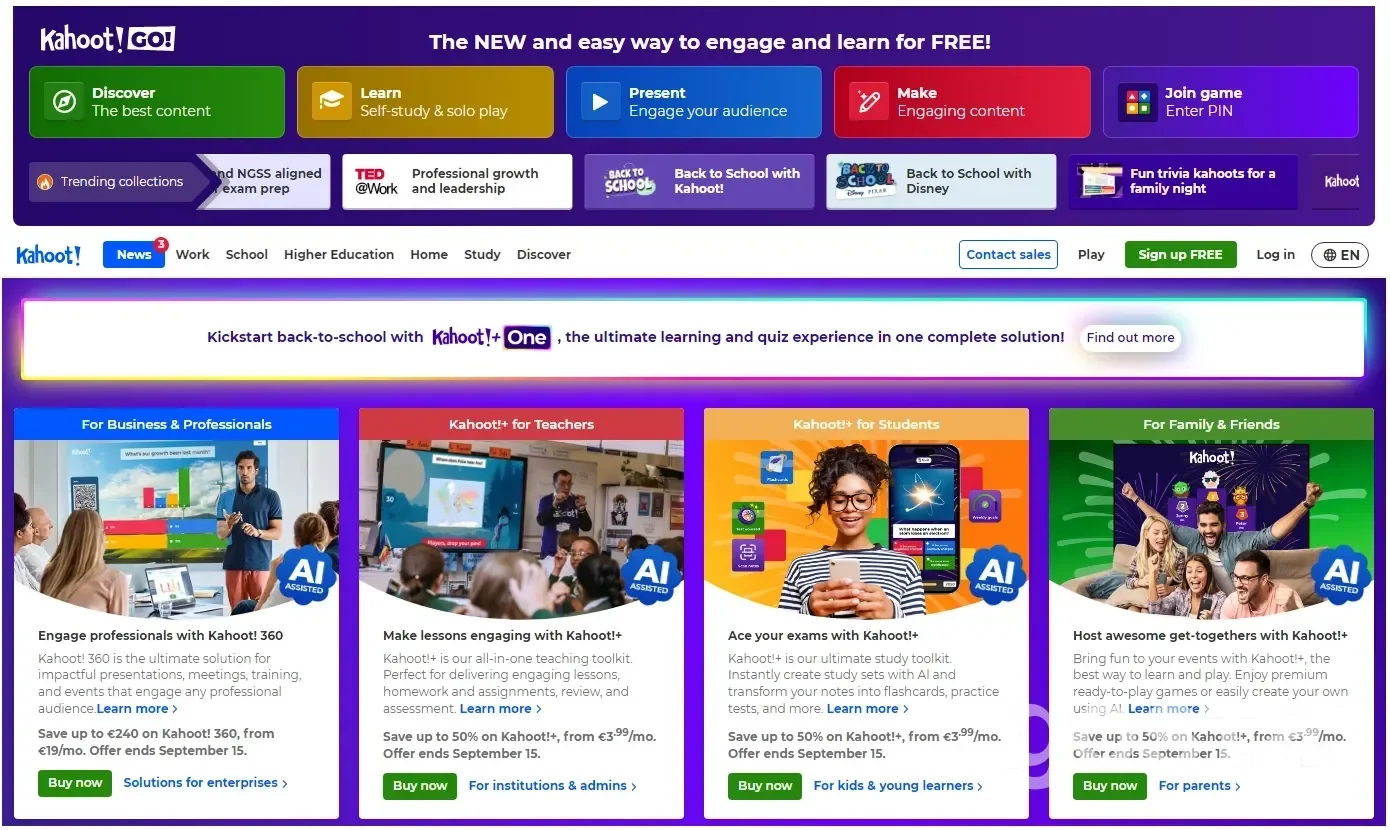
Signing up and getting started
To use Kahoot, you need an account. Go to https://create.kahoot.it/auth/register and click Sign up.
- Pick who you are: teacher, student, work use or personal.
- Enter your name and date of birth. Add your email and password, or use Google, Microsoft, Apple, Clever or SSO.
- Confirm your account through the email they send.
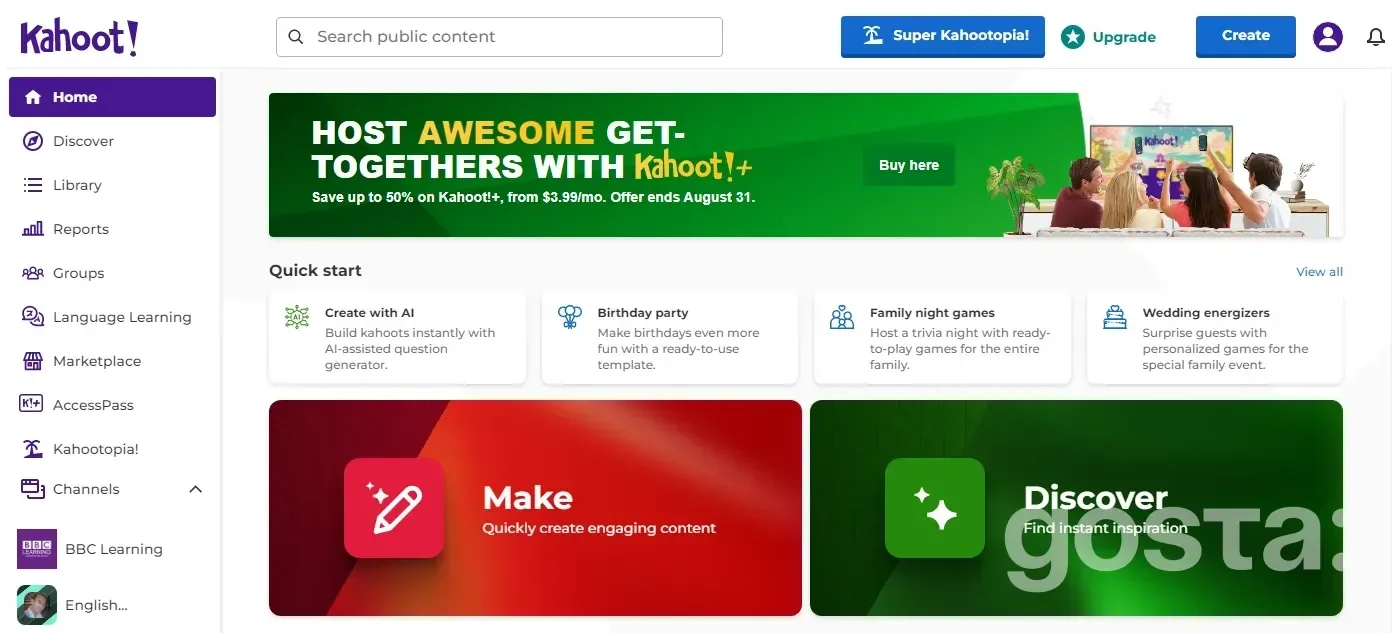
Once you log in, you'll see the main dashboard. The site supports many languages and is easy to follow.
How to play Kahoot as a player
Players don't need an account. All you need is the game PIN from the host.
- Go to the Kahoot website or open the app.
- Enter the PIN
- Type your name or nickname.
You'll see answer buttons on your screen, while the host shows the full questions. Tap the button that matches the right answer.
Types of questions:
- Quiz – classic multiple-choice.
- True or False – pick true or false.
- Poll – survey with no right answer.
- Puzzle – put answers in the right order.
- Slide – info slide with no answers.
On a phone or computer, it feels like a fast quiz with a timer. The quicker and more accurate your answers, the more points you get. After each round, everyone sees the leaderboard, which makes it exciting.
How to create your own Kahoot game
Anyone can create a game or quiz in Kahoot. It only takes a few minutes.
- Click Create in the menu.
- Choose a template or start from scratch.
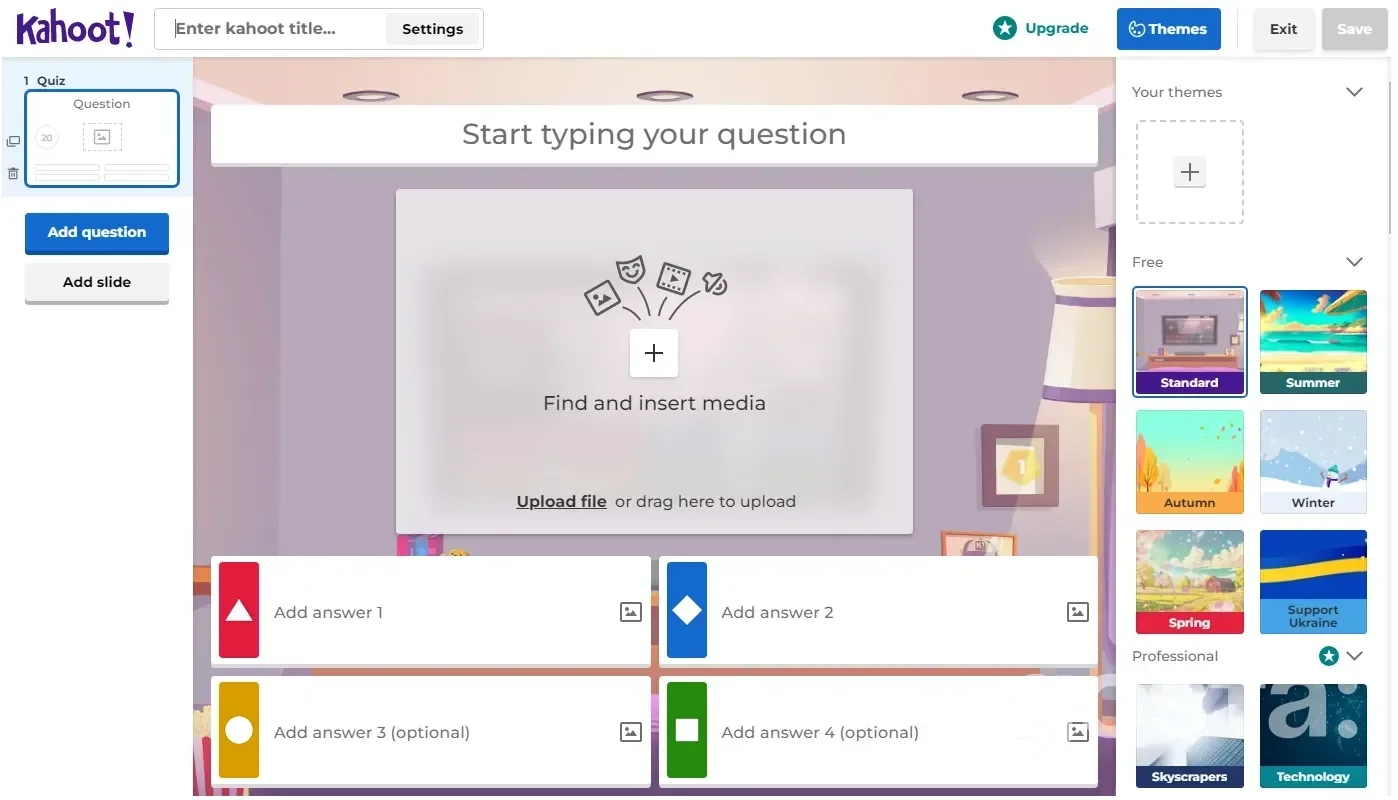
- Add questions. For each one, you can:
- write text,
- add up to 4 answers,
- upload a picture or YouTube video.
You can also use ready-made questions from Kahoot's library.
Settings you can adjust:
- answer time (5 seconds to 4 minutes),
- points for correctness and speed,
- number of right answers.
When you're done, save your quiz. It will show up in your library.
Once your quiz is ready, you can launch it in two ways:
- Live game – you run it, and players join with a PIN and answer at the same time. Great for lessons and training.
- Self-paced game – you share a link or PIN, and people play when they want. Perfect for homework.
Choose a mode and click Start. The PIN will appear on the screen. Players enter it on the site or app to join.
Each question has a timer to keep things moving. If you want players to think more, set a longer time. For more energy, use 10–20 seconds.
Points depend on both speed and accuracy. The fastest players climb the leaderboard. If you prefer a survey without competition, you can turn points off.
When the game ends, Kahoot makes a report. It shows how many answered correctly, which questions were hardest and who scored the most. You can download it as Excel or view it online. For teachers, this is great to see what needs review.
You can make quizzes private or public to share with others. Adding images and videos makes them more engaging. For example, show a map in geography or a movie clip in English class. Just keep slides simple so they're easy to follow.
Using Kahoot for work, study and fun
Kahoot is very flexible. Teachers use it as a fun alternative to tests. It works well:
- at the start of class to check prior knowledge,
- during class to keep attention,
- at the end to review.
Students enjoy it more because it feels like a game, not a test. Teachers instantly see weak spots.
In universities, it's good for seminars, lectures and even large conferences. Big groups can join at once.
In business, Kahoot is common in training. After a session, a short quiz helps check what people learned and keeps them focused.
For team building, it works as a fun activity. You can make a game like "Who knows their coworkers best" or "Company trivia." It breaks the ice and connects the team.
At home, Kahoot is perfect for parties or family nights. Make a quiz on movies, family facts or anything you like. Just a few questions can turn an evening into an interactive game.
What is Kahoot and how to play – video
Kahoot is a worldwide platform for games, quizzes, fun and learning. To see how it works, watch this video:
Conclusion
Kahoot makes learning and quizzes feel like a game. It's simple for beginners yet full of features for advanced users.
To get started, just:
- sign up on the site,
- join a game with a PIN or create your own,
- launch it and see the results.
For teachers, it makes lessons more engaging. For businesses, it's a tool for training and teamwork. For friends and family, it's a fun way to spend time together.
If you're new, try a short quiz and see how it feels. Even a few questions can energize a lesson, workshop or party. Don't be afraid to experiment – Kahoot is built for it.
FAQ
What Does the Word Kahoot Mean?
Kahoot is a Norwegian online platform for learning games and quizzes. It's used for interactive quizzes, polls and study games. The company doesn't give an official meaning for the name.
How Many People Can Play Kahoot?
The player limit depends on your account and plan. Some free and education plans cap at 50 players. Paid and corporate plans allow hundreds or even thousands. Free accounts usually have lower limits.
Who Created Kahoot
Kahoot was founded in Norway in 2012. Its founders are Morten Versvik, Johan Brand and Jamie Brooker, with research support from NTNU.