Do you love reading and can't live without books? Do you read at any convenient moment, during meals, or while commuting? Then you definitely need an e-book reader! A portable reader in your pocket or bag will help you always have tons of exciting novels with you. So let's figure out how to choose an e-book reader!
How to Choose an E-Book Reader: Criteria to Consider
We offer you 5 criteria to help you choose an e-book reader.
Screen Size
- 6 inches. Compact and lightweight, perfect for reading on the go.
- 7-8 inches. Offers a balance between portability and reading comfort.
- 9-10 inches. A larger screen, similar to a tablet, convenient for reading PDFs and magazines.
For everyday use, an 8-inch screen is a good choice.
Screen Type
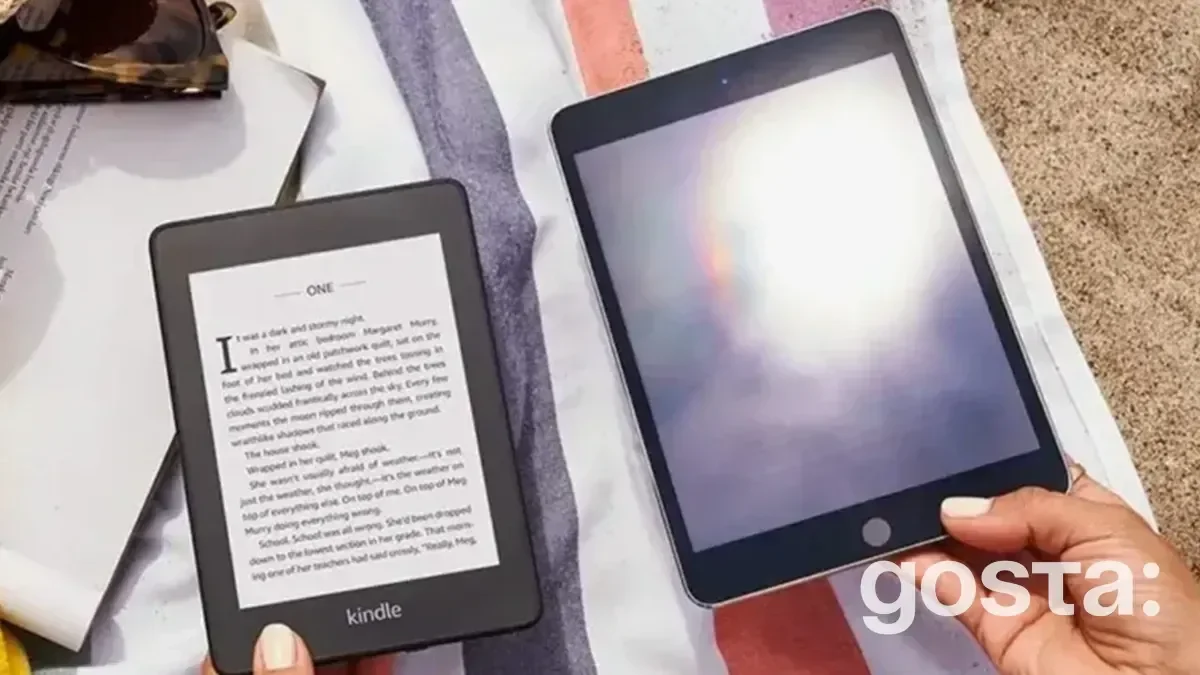
- E Ink. Mimics printed text, reduces eye strain, and conserves battery life.
- LCD. Bright colors and sharp images, but may cause eye strain and consume more energy.
If you read frequently, consider an E Ink reader. It simulates paper pages, making reading more enjoyable. Additionally, these devices consume minimal battery, as E Ink only uses power when the page changes, so a single charge can last for weeks.
Supported Formats
- EPUB, MOBI, AZW3. The most common e-book formats.
- PDF. Suitable for technical literature and magazines.
- AWZ. Amazon Kindle format.
Most modern e-book readers support all formats, but it's worth checking before purchasing.
Additional Features
- Backlight. Allows reading in low-light conditions.
- Wi-Fi. Easy book downloads from the Internet.
- Touchscreen. Convenient control with touch.
- Built-in dictionary. Translate words while reading.
- Water resistance. For reading at the beach or by the pool.
The most convenient features are backlighting and Wi-Fi support.
Card Reader
E-books don't take up much space, but if you want to carry an entire library with you and not worry about storage space, buy a model with a card reader. This way, you can control the number of books and memory size yourself.
You should also consider the prices of e-books. They usually range from 1,500 to 10,000 UAH, but any additional features, such as a browser or media player, will make the device more expensive.
These are the main tips for those wondering how to choose an e-book reader. Be sure to read reviews and check model ratings to pick the best product.
How to Choose an E-Book Reader: Top 5 Models of 2024
The e-book market offers a wide range of models, each with its own features and benefits. Take note of the 5 e-book reader models considered the best in 2024.
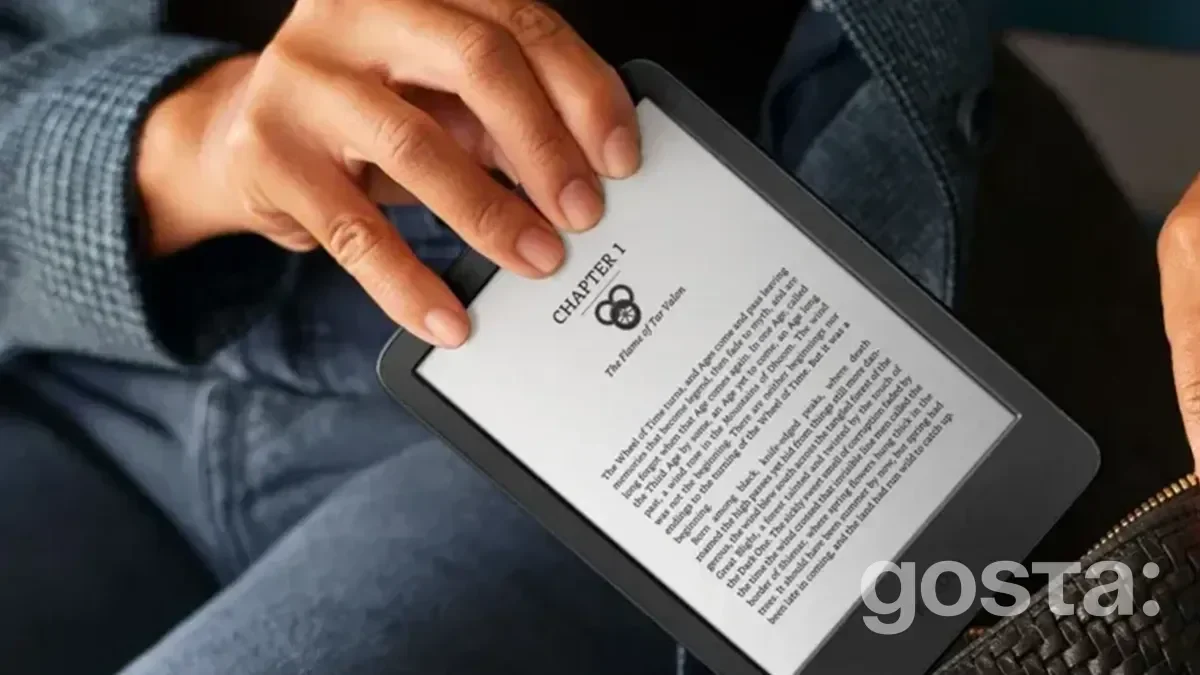
Amazon Kindle 11th Gen. 2022 Black 16Gb
- Advantages: Low power consumption, compact design, simple interface, supports over 10 formats, 16GB memory, autonomy up to 6 weeks.
- Disadvantages: Small display (6 inches), no backlight, not waterproof.
Amazon Kindle Paperwhite 11th Gen 8Gb Black
- Advantages: 6.8-inch display with adjustable hue, waterproof (IPX8), glare-free 300 ppi display, long battery life (up to 10 weeks), 8GB memory.
- Disadvantages: Smaller memory compared to the Kindle 11th Gen, slightly higher price.
PocketBook 617 Ink Black (PB617-P-CIS)
- Advantages: 6-inch E Ink Carta display with high resolution, Wi-Fi, synchronization with PocketBook Reader, 8GB memory (expandable to 32GB), affordable price.
- Disadvantages: No backlight, slightly less ergonomic body compared to other models.
Onyx BOOX Poke 4 Lite Black
- Advantages: Stylish design, 6-inch E Ink Carta Plus display with Moon Light 2 backlight, touch control, 2GB RAM, 16GB memory, eye protection (Flicker-Free, ASAHI glass), long battery life (up to a month), Bluetooth and Wi-Fi support.
- Disadvantages: Not waterproof, slightly higher price.
Amazon Kindle Oasis 10th Gen. 8GB Graphite
- Advantages: 7-inch 300 ppi Paperwhite display with adjustable backlight, simple control, Bluetooth, Wi-Fi, autonomy up to 6 weeks, 8GB memory.
- Disadvantages: The most expensive model on this list, not waterproof.
You can also choose other e-book readers; these are presented for reference.
How to Download Books to Your E-Reader
Modern e-readers make it easy to download books for reading. There are several ways to download books to your e-reader (ER), depending on the model and file formats:
1. Via USB Cable:
- Connect the e-reader to your computer with a USB cable.
- Open the e-reader as a flash drive on your computer.
- Drag the book files from your computer to the reader.
- Safely disconnect the reader from the computer.
2. Via Wi-Fi:
- Connect the reader to Wi-Fi.
- Download books from an online store or library supported by your ER.
- Save the books.
3. Via Cloud Services:
- Upload books to a cloud service supported by your device (e.g., Dropbox, Google Drive).
- Open the reading app on the e-reader.
- Sign in to your cloud service.
- Select the books you want to download.
- Save the books to your reader.
Before downloading books, make sure the file formats are supported by your ER. The most common formats are EPUB, MOBI, AZW3, and PDF. Also, ensure that the sources you download books from are safe.
How to Choose an E-Book Reader and Whether You Even Need One – Video
Watch this video to discover some useful tips about how to choose your e-book reader:
Answers to Frequently Asked Questions About Choosing an E-Book Reader
Do You Need a Touchscreen on Your Reader?
A touchscreen is not a necessity. It is only used when selecting a book from the library, so you don't have to overpay for this extra feature.
Where Can You Download Books?
You can download books from any online store. For example, "Knyharnia Ye" and Yakaboo offer electronic books for purchase. There are also many libraries and stores you can find online.
Which E-Reader Brands Are the Best?
Amazon Kindle, PocketBook, Onyx Boox, Kobo, Barnes & Noble – these are some of the most popular e-reader brands.