Apple has officially introduced the new version of its mobile operating system – iOS 18. The new version comes with many changes and new features. Developers emphasize that using the iPhone is now even more convenient. So, let's dive into what's new in iOS 18 and how it will improve the lives of iPhone users.
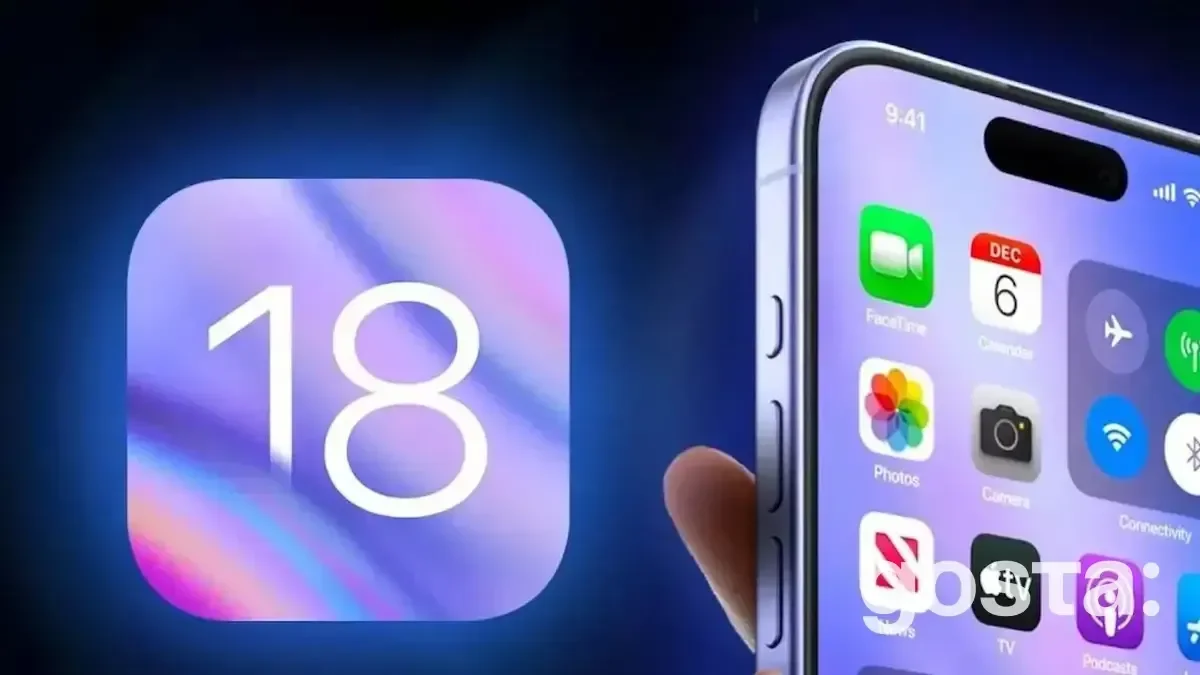
iOS 18: Interface and Customization
iOS 18 offers users more control over how their device looks and operates.
- Flexible Widgets. Widgets on the home screen are now more interactive, allowing users to take direct actions, such as playing music, setting reminders, or viewing the calendar.
- Dark Mode with Time Settings. In addition to automatically switching to dark mode in the evening, users can set individual intervals or adjust it based on lighting conditions.
- Personalized Lock Screens. Not only can users change wallpapers, but they can also add interactive elements, such as weather updates or health metrics.
- Icon Customization. Users can freely arrange icons on their smartphone screens in a way that suits them, and now they can also colorize the icons.
AI in iOS 18 – Innovations in Your Smartphone
Apple is actively integrating artificial intelligence into its products, and iOS 18 is no exception. AI has significantly improved several apps on the iPhone.
- Intelligent Assistant Siri. Siri has become smarter, now able to perform more complex tasks such as adding tasks to work apps, filling in the calendar, and providing recommendations based on previous activity.
- Automatic Replies. This new feature offers templates for quick responses in messaging apps based on message content and past conversations.
- Photo and Video Analysis. iOS 18 enhances face, object, and even location recognition in photos, automatically grouping content for easier searching.
You should also read out article – Top 5 Popular Browsers: Review of Speed, Security, and Convenience
Improved Messaging Features
Now users can add dynamic effects to texts, such as "explosion" or "shaking," to express their emotions more vividly. The updated Tapbacks system offers even more reaction options using emojis and stickers.
Additionally, a handy message scheduling feature allows users to create messages and set the exact time for delivery. This is useful for sending greetings or reminders.
To improve interactions with Android users, iOS 18 supports messaging via the RCS protocol. This technology provides richer communication features, such as delivery confirmations, typing indicators, and the ability to share high-quality images.
iOS 18 – What About Security?
Apple is known for its focus on security and privacy. However, iOS 18 introduces new tools to enhance safety:
- Improved Multi-Factor Authentication. iOS 18 makes the authorization process even more secure by allowing additional layers of protection through new biometric parameters.
- Private Keys for Apps. Users can now store private keys for various apps, ensuring convenient logins without the need to enter passwords each time.
How Does iOS 18 Work with AR?
Augmented reality continues to be integrated into iOS, and it's even better in iOS 18. With new sensors, the iPhone can now create 3D models of rooms, allowing for more precise AR app experiences.
Additionally, more apps now support AR modes for interactive interactions with virtual objects in real space – something designers will especially appreciate.
More Features in iOS 18 – Multitasking at Its Best
For those who use their iPhone for work, there are also convenient updates. Completing daily tasks has become simpler with the added Productivity Mode, which maximizes the device's resources while reducing background processes for important tasks.
Users can now work in multiple apps simultaneously on the same screen, especially useful for tasks like document comparison or multitasking.
Even the Files App has received an update, now featuring an improved tagging system, support for multiple formats, and better cloud service integration.
iOS 18: More Features in the Health Section
Apple continues to expand its health monitoring capabilities through the iPhone.
- Emotional State Tracking. iOS 18 includes a new tool for tracking a user's emotional state, helping to monitor stress, anxiety, or mood throughout the day.
- Sleep Improvement Recommendations. Integration with Apple Watch and sleep apps allows for personalized advice to improve rest quality.
- Unified Health Tracking. The Health app now offers a single platform for all trackers, including notifications for scheduled doctor visits, diets, and fitness programs.
What Else is New in iOS 18?
Apple continues to improve integration between its devices. Now you can:
- Mirror your iPhone screen on a Mac. This feature allows you to control your smartphone using a mouse and keyboard, receive notifications on a larger screen, and even use iPhone apps on a Mac.
- Collaborate with Friends in Real-Time via SharePlay. Draw, take notes, or simply share content from your iPhone screen with friends, regardless of which Apple device they're using. It's perfect for group projects, learning, or just for fun.
Overall, iOS 18 has made using an iPhone even more convenient. It can even track eye movement to better analyze user behavior. This update is the most personalized one to date.
Exciting iOS 18 Features – Video
Should you update? Watch a detailed review of iOS 18 and discover its features:
Conclusion
iOS 18 continues to enhance the iPhone user experience by providing even more personalization options, improved security, and integration with other Apple devices. New features such as AI, augmented reality, and performance updates make this one of the most significant operating systems in the iOS lineup.
Frequently Asked Questions About iOS 18
Which Devices Support iOS 18?
As a rule, Apple supports OS updates for its devices for several years. You can find the exact list of devices that support iOS 18 on Apple's official website or in your iPhone settings.
Is It Worth Updating to iOS 18?
If your iPhone supports iOS 18, the update is worth considering. The new features and improvements can make your device usage more convenient and enjoyable. However, it is recommended to back up your data before updating.
What Issues May Arise After Updating to iOS 18?
As with any OS update, some issues may occur. The most common problems include:
- App Crashes: Some third-party apps may not function correctly after the update.
- Battery Drain: Your battery may drain faster than usual in the first few days after the update.
- Connection Issues: Problems with Wi-Fi or mobile internet may arise.
If you encounter any problems after updating, try restarting your device or contact Apple Support.
What Are the Major Updates in iOS 18?
The updates focus on security, personalization, integration, and AI usage. Special algorithms also improve camera quality and make it easier to manage the "Home" app.