Creating apps and websites isn't just for developers anymore. Today, many tools let you build software without writing a single line of code. That's exactly what low-code and no-code platforms are made for. In 2025, these tools are more popular than ever. From small businesses to large enterprises, more and more people are building digital products — on their own or in teams where not everyone has a tech background.
What Is Low-Code and No-Code — In Simple Terms
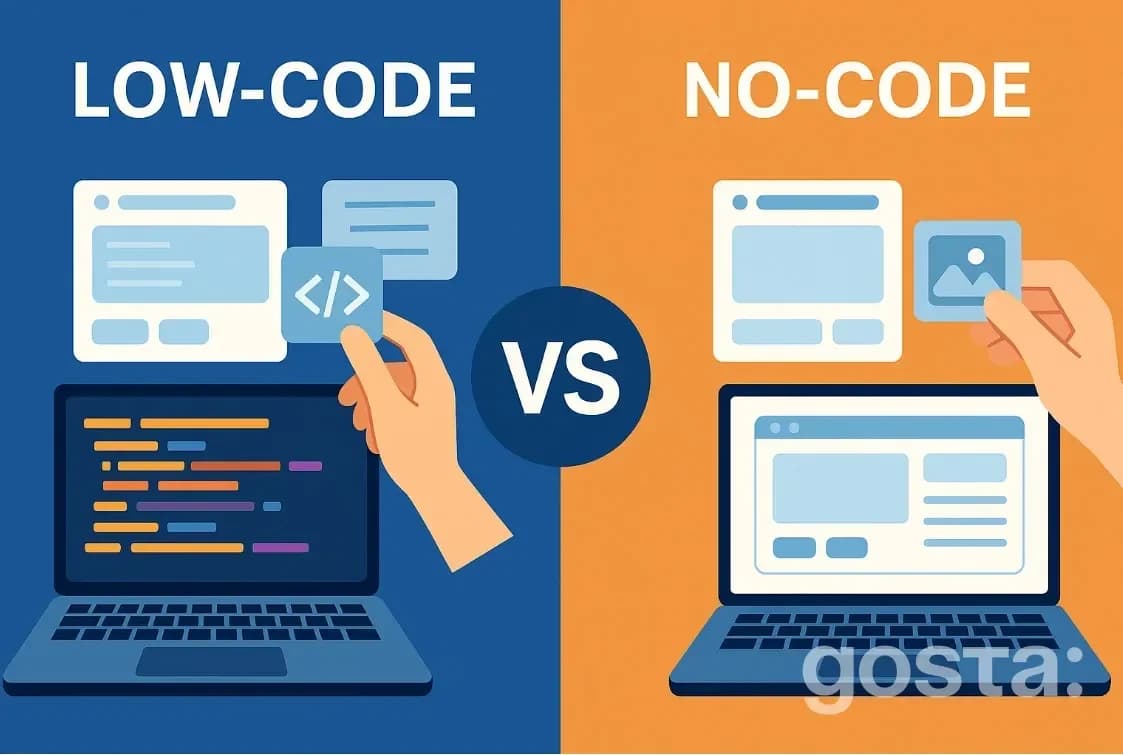
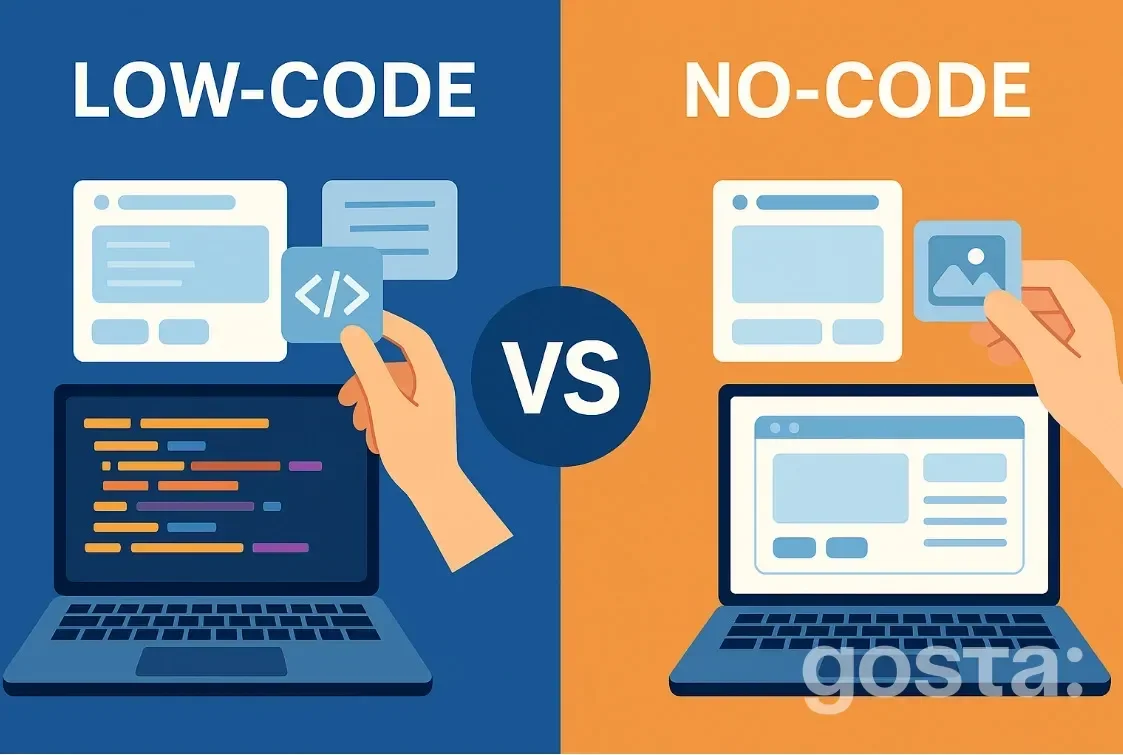
No-code tools let you build websites, apps, or automate workflows without coding. Everything works through "drag and drop" — you just move blocks around, fill in some fields, and you're done.
Low-code is similar but gives you the option to add custom code for more advanced features. You'll need some basic programming knowledge, but you don't need to be an expert. It's great if you want more control and customization.
With both approaches, you can build:
- Websites and landing pages
- Internal CRM systems
- Mobile or web apps
- Automated workflows (like email campaigns or order tracking)
Key Differences Between Low-Code and No-Code
When to Choose No-Code:
- You need to build an MVP or website fast
- There's no developer on the team
- You want to automate simple tasks
When Low-Code Makes More Sense:
- The project is more complex
- You need to integrate with external APIs
- You want more control over the result
Popular Low-Code and No-Code Platforms in 2025
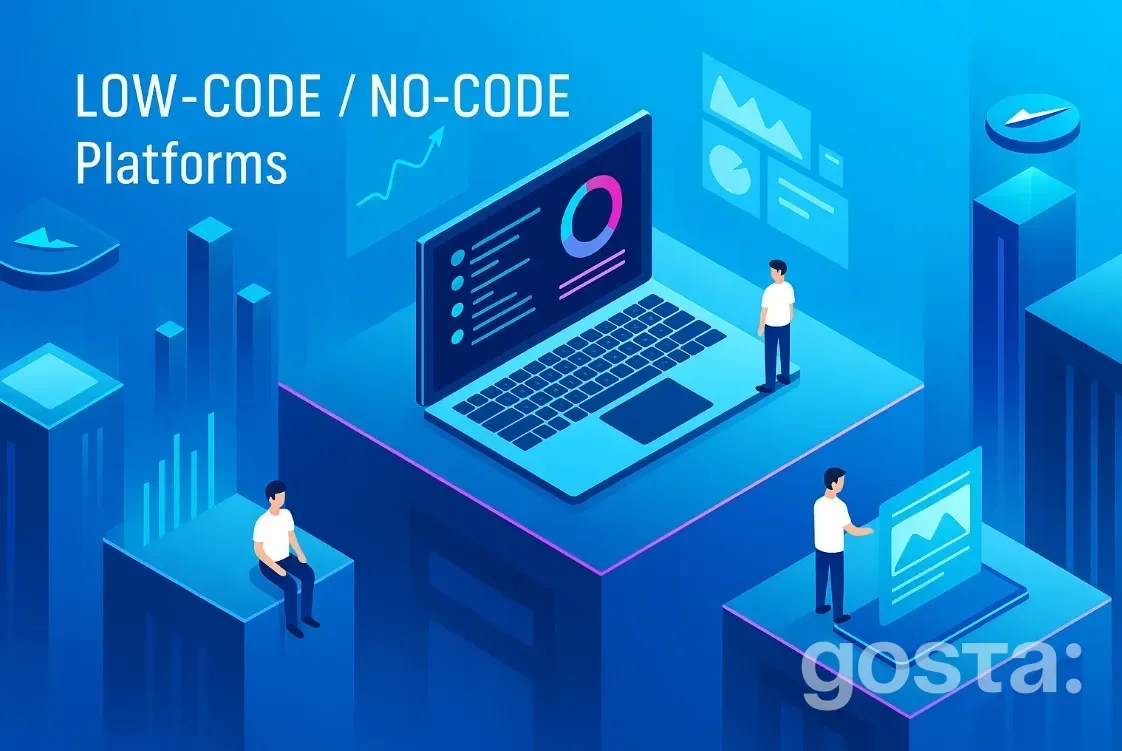
There are tons of low-code and no-code tools out there. The best one depends on what you're building — a simple site, a mobile app, or a full SaaS product. Here are the top platforms people are using in 2025:
- Appian – A robust option for large organizations. Great for secure, enterprise-grade apps with complex integrations.
- Mendix – Perfect for building complex apps quickly. Good for beginners and experienced teams alike, and scales really well.
- OutSystems – Packed with features, this is a great all-in-one tool for managing the full development cycle, from idea to launch.
- Bubble – One of the most popular no-code builders. Ideal for SaaS, CRMs, and marketplaces. Everything is built visually — no code needed.
- Microsoft Power Apps – If your team already uses Microsoft tools, this one fits right in. Great for creating internal tools, automating workflows, and working with data.
- Glide – Want to build a mobile app in a few hours? Glide runs on Google Sheets or Airtable — great for quick MVPs or personal projects.
- Adalo – An easy-to-use tool for creating mobile apps. It's all visual and intuitive — add components, set logic, and publish.
- Webflow – Want a stunning website without a developer? Webflow gives you near-complete design control and works especially well for marketing projects.
Each tool has its pros and cons. Your choice depends on your goals, budget, and technical comfort level. If you're just starting out, go for something simple like Bubble, Glide, or Adalo. If you're experienced and want to go big, check out OutSystems, Mendix, or Appian.
Who Are Low-Code and No-Code Tools For?
These platforms have been game-changers for people with no tech background — but they're useful far beyond that. Here's who can benefit:
- Entrepreneurs and startup founders – Quickly launch MVPs or test ideas without hiring a team
- Marketers – Build landing pages, automate emails, and collect leads
- HR teams and internal staff – Create internal systems, forms, or process guides
- Freelancers and designers – Launch personal products or offer services to clients
- Developers – Speed up delivery or offload simple tasks to non-tech teammates
Low-code/no-code isn't here to replace developers — it's here to make building faster and more collaborative.
Pros and Cons of Low-Code and No-Code Platforms
Pros:
- Fast development — Build a working product in days, not months
- Low barrier to entry — No need to know programming
- Low startup costs — No need to hire a full dev team
- Flexibility — Easy to update or tweak the product later
Cons:
- Limited scalability — Not ideal for large, complex systems
- Less flexibility in no-code — Some unique features may be hard to implement
- Platform lock-in — You might not be able to move your product elsewhere
- Subscription costs — Can get pricey over time
Top Low-Code & No-Code Trends in 2025
These platforms are evolving fast. Here's what's trending this year:
- AI + No-code – More tools now include AI to help generate interfaces or write business logic
- Enterprise adoption of low-code – Big companies are using low-code to speed up development
- Gamified and mobile-first interfaces – UI builders are becoming more interactive and mobile-friendly
- Internal tool builders – Companies are building internal CRMs, employee portals, or tracking systems without devs
- Growing no-code communities – More templates, tutorials, and use cases are popping up. Being a "no-code creator" is becoming trendy and truly accessible.
Most Popular No-Code Tools – Video
These platforms open the door for anyone to build their own apps. Learn more in this short video:
Conclusion
Low-code and no-code are modern ways to build digital products. They're simple, accessible, and save tons of time and money. They don't replace traditional coding — they complement it. So if you've got an idea, don't wait. Start with no-code — and see where it takes you.
FAQs
What is low-code and no-code?
Low-code means you need minimal coding to build apps. No-code means you can do it all without code. Both let you create digital products without deep technical skills.
What's the difference between full code, low-code, and no-code?
Full code: developers write everything from scratch. Low-code: some code is needed, but most of it is visual. No-code: fully visual, no coding at all.
Is Mendix low-code or no-code?
Mendix is a low-code platform. It lets you build complex apps with minimal coding, but you can add custom code if needed.
Is Appian low-code or no-code?
Appian is also a low-code platform. You can do a lot without writing code, but some advanced features still require it.