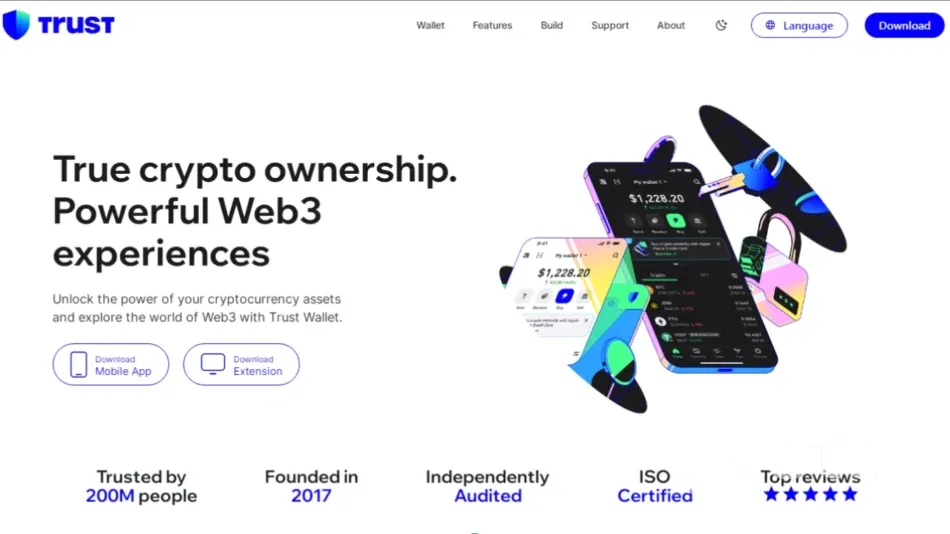
Trust Wallet is a mobile app that lets you store crypto, hold tokens, and interact with decentralized apps (dApps). Crypto isn’t just for techies or traders anymore. People use it for payments, saving, investing — or simply out of curiosity for new tech. But to send or store crypto, you need a wallet. One of the easiest options out there is Trust Wallet. This guide will walk you through how to set one up from scratch.
What Is Trust Wallet?
Trust Wallet is a mobile wallet app that allows you to manage and use your crypto safely. It’s non-custodial — which means only you have access to your funds. Not even Trust Wallet can see or control your money. But that also means: if you lose your wallet and don’t have your recovery phrase, your crypto can’t be recovered. We’ll explain more about that in a minute.
Trust Wallet supports over 100 blockchains, including Bitcoin, Ethereum, Solana, Binance Smart Chain, and many others. You can store dozens of different cryptocurrencies all in one app.
Prepare a secure place to write down your recovery phrase (paper is best — not a screenshot).
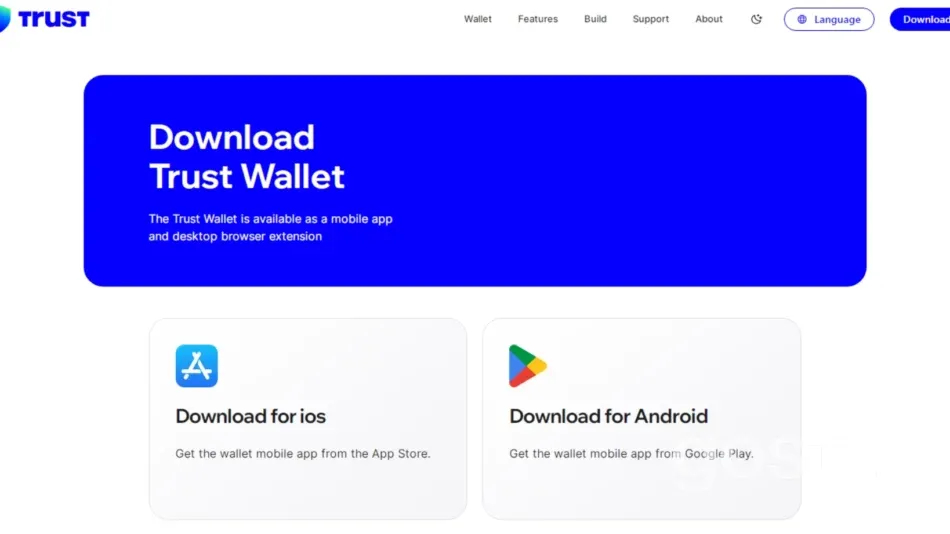
Never download Trust Wallet from unofficial sites or random links shared online.
Once installed, you’ll see a simple welcome screen. You’ll have two options:
Create a New Wallet.
I already have a wallet.
Choose Create a New Wallet and follow these steps:
Accept the terms. You’ll need to agree to the terms of service. Tap “Continue” or “I agree” to proceed.
Set a password or PIN. For extra protection, you’ll be asked to create a PIN or enable Face/Touch ID. This keeps your wallet safe on your phone.
Write down your recovery phrase. You’ll see 12 random words — this is your recovery phrase (also called seed phrase). These words are the only way to access your wallet if your phone is lost or reset.
Write them down on paper, store them somewhere safe, and never share them with anyone. If someone else gets this phrase, they can take all your crypto.
Confirm your recovery phrase. You’ll be asked to place the 12 words in the correct order. This is to make sure you actually saved the phrase, not just skipped the step.
Wallet ready! Once confirmed, your wallet is set up. You’ll see your home screen with your crypto balances (e.g., BTC, ETH, BNB). You’re good to go!
What Is a Recovery Phrase and Why Is It Important?
Your recovery phrase is a unique set of 12 words that Trust Wallet gives you when you create your wallet. It’s not a password or PIN — it gives full access to your crypto.
Keep these rules in mind:
Write it down. Don’t save it as a screenshot, note, email, or in the cloud. These can be hacked or lost.
Store it securely. Keep it in multiple safe places — like at home and in a safe box.
Don’t share it. No one — not even “support” or “Trust Wallet staff” — should ever ask for your recovery phrase.
If you lose this phrase, there’s no way to recover your wallet. Trust Wallet doesn’t store this data.
Once your wallet is set up, here are a few useful things you can do:
Add tokens. Tap the icon in the top right (two sliders) to enable other cryptocurrencies.
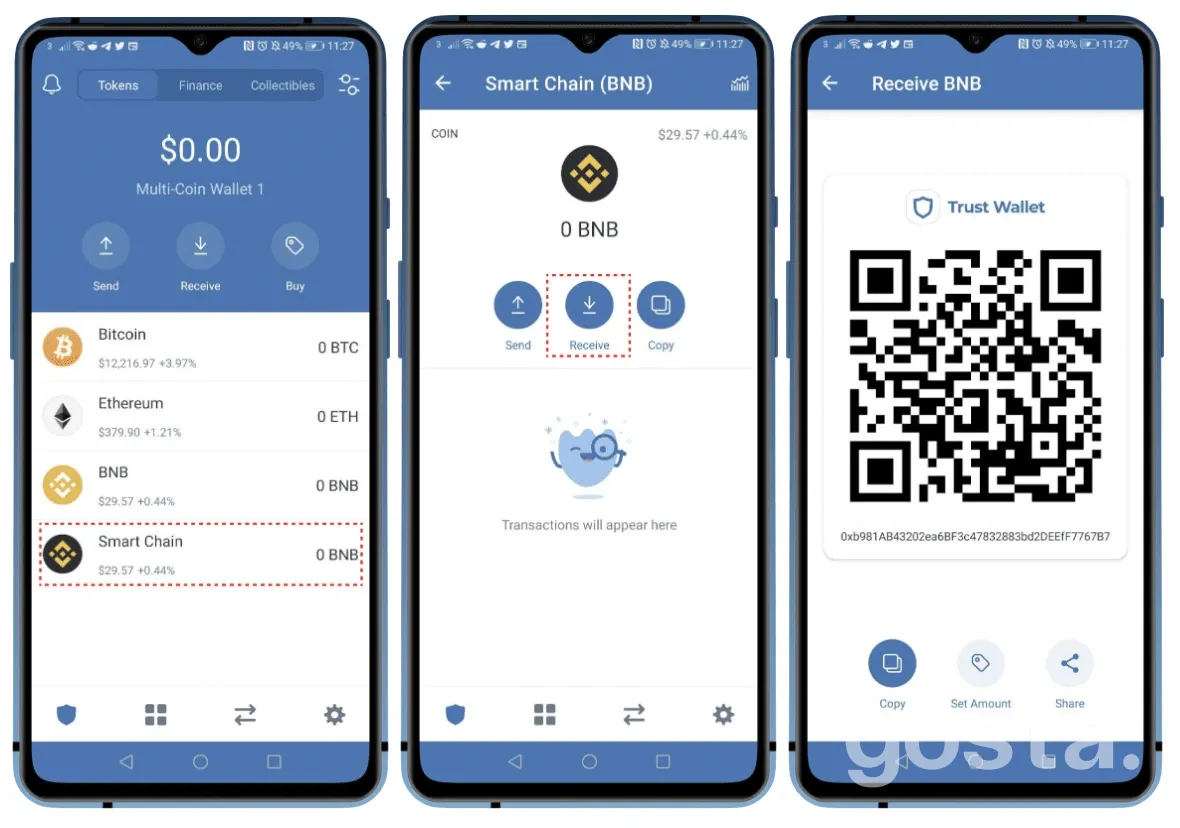
Receive crypto. Tap “Receive,” choose a coin (like USDT or BTC), and copy your wallet address to share.
Send crypto. Tap “Send,” paste the recipient’s address, enter the amount, and confirm. You’ll pay a small network fee.
Check your balance. Wallet balances update automatically. If a coin isn’t showing, try enabling it manually in the token list.
Common Beginner Mistakes
New users often run into the same issues. Avoid these:
Deleting the wallet without saving the recovery phrase. If you delete the app, your crypto is gone forever unless you wrote down the phrase first.
Downloading a fake Trust Wallet app. Scammers may post fake versions online. Always use official app stores.
Sending tokens to the wrong network. For example, choosing Binance Smart Chain instead of Ethereum can result in lost or stuck funds.
How to Use Trust Wallet — Video Guide
Once your wallet is ready, you can start using it right away. The interface is clean and easy to understand. Want to see how it works in action?
Final Thoughts
Creating a Trust Wallet is simple — you just need a smartphone, a few minutes, and a bit of care. The most important part is your recovery phrase. It’s the key to your wallet. Without it, you can’t recover your funds. But if you save it properly, you can restore your wallet anytime, even on a different phone. Trust Wallet is a great choice for beginners. There’s no signup, no data collection, and you’re fully in control. Just be cautious — and never share your recovery phrase.
Frequently Asked Questions
How can I earn with Trust Wallet?
You can stake certain tokens and earn passive income. Some cryptocurrencies reward you for simply holding them. You can also explore DeFi projects directly in the app.
How do I withdraw money from Trust Wallet to my bank card?
Trust Wallet doesn’t support direct withdrawals to a card. First, send your crypto to an exchange like Binance or WhiteBIT. From there, you can cash out to your bank account.
How do I find my wallet address in Trust Wallet?
Open the app, tap on the crypto you want to receive, then hit “Receive.” Your address will appear — you can copy it or share the QR code.
Information
Insightful Articles About Bitcoin At Gosta Media
Explore the world of Bitcoin, the frontrunner of cryptocurrencies, through Gosta Media's dynamic and engaging content. Delving Into The Intricacies Of Bitcoin On Gosta Media Bitcoin, which came into existence in 2009, revolutionized financial markets by introducing decentralization and cryptography in transactions. Acting as both a digital currency and investment…
Subscribe to the monthly news digest from Gosta Media
The main news and updates from the team about gadgets, sports, cars, health, and lifestyle.
Get Your Personalized Synastry Chart (PDF)
We’ll email your full compatibility reading as a beautifully designed PDF. Just enter your email below and proceed to secure checkout.
One-time payment – just $9.99
Warning:
Access only for persons over 21 years of age
This section contains information about gambling and is available only to persons who are 21 years of age or older in accordance with the applicable laws of Ukraine. Please confirm that you are 21 years of age or older.
This platform does not have a Ukrainian license. The link is provided for informational purposes only. Participation in games on such sites may violate Ukrainian law.