Trust Wallet is a popular multi-currency crypto wallet. It provides users with the ability to manage various cryptocurrency assets securely. What makes it interesting? What are its advantages and disadvantages? How do you use Trust Wallet? You can find all the answers in our review.
What Is Trust Wallet?
Trust Wallet is a mobile app for iOS and Android, a hot cryptocurrency wallet. It allows you to manage a wide range of assets and offers extensive functionality. This has helped it quickly gain a loyal customer base in the market. Today, it is one of the most popular crypto wallets in terms of downloads.
Trust Wallet is a decentralized mobile app that provides access to various coins and blockchains. Cryptocurrency owners do not transmit any data to the company’s servers, so every client can be sure that only they have access to their funds.
At the same time, the wallet stands out for its simplicity, featuring an integrated browser for interacting with decentralized applications, an internal exchange, and the ability to purchase cryptocurrency using a bank card.
Pros and Cons of Trust Wallet
Trust Wallet has a lot of advantages, which is why it is so in demand among users:
Easy and intuitive interface;
Decentralized app;
Provides access to a wide variety of coins and tokens on 40 different blockchains;
Only the cryptocurrency owner has access to the private keys; no data is transmitted anywhere;
Using Trust Wallet is free and anonymous – no personal data is required during account creation;
Integrated browser for connecting to decentralized apps;
Users can track cryptocurrency quotes in real-time within the wallet;
Ability to earn staking rewards on coins and tokens;
The wallet’s open-source code is regularly audited;
It allows importing data from other cryptocurrency wallets;
Has its token, TWT.
Does Trust Wallet have any downsides? Previously, users often complained about the lack of a solution for PC. Now, there is an extension for Chrome, Brave, Opera, and Edge browsers. So, there are no issues using the wallet on computers anymore.
One downside could be the lack of multilingual support. While the wallet tries to answer questions in the language used by the user, it relies on an automatic translator, which sometimes leads to inaccuracies and misunderstandings. However, there is a forum that brings together users from various countries, where answers can be found in a more understandable language.
How to Install Trust Wallet?
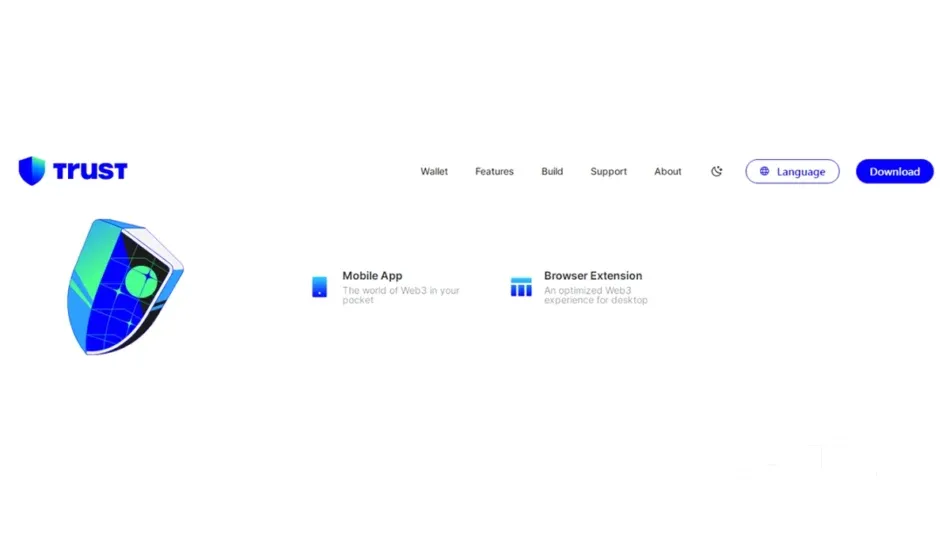
The Trust Wallet cryptocurrency client is available as a mobile app for iOS and Android, as well as a browser extension. Downloading and using the wallet is completely free, so anyone can install it without any difficulty.
Regardless of which option you choose, start by going to the official Trust Wallet website. Here, select one of the versions – the mobile app or the browser extension.
If you choose the mobile version, click the “Download Mobile App” button and select the appropriate option – iOS, Android APK, Google Play, or scan the QR code. This will redirect you to the marketplace, where you can confirm the download.
Within seconds, the Trust Wallet app will download to your device, and then you can open it. You will be prompted to restore access to an existing wallet or create a new one. Since this is your first time logging into the client, you will need to select “Create a New Wallet” and register following the system’s instructions.
If you’ve chosen the PC version, click “Download Extension” and select your browser – Chrome, Brave, Opera, or Edge. Then, add the extension to your browser and choose one of the following options:
The simple and user-friendly interface, along with clear system prompts, will help you easily start using Trust Wallet.
Trust Wallet offers new users the option to accept the wallet’s terms of use and privacy policy. It’s advisable not to just click the button, but to review the provided information. This will help you avoid many common questions.
Features of Trust Wallet
After logging in, you’ll see that your wallet is empty, and to add funds to your balance, you’ll need to make a deposit. How to fund Trust Wallet? You can do this by transferring from another wallet or through an exchange. You can also buy crypto directly in Trust Wallet using a bank card.
Your funds in Trust Wallet can be exchanged, transferred, withdrawn to fiat, used for transactions through a DEX, or used to purchase NFTs. The wallet is connected to DApp applications and allows you to connect to DEX exchanges and perform operations. You can also earn on staking and store NFTs.
How to Use Trust Wallet – Video
Want to learn more about how to use the Trust Wallet crypto wallet? Watch the comprehensive video tutorial here:
Trust Wallet – Reviews
Most reviews about Trust Wallet are positive. Users note its convenience and simplicity. All features work quickly. While the lack of two-factor authentication often raises security concerns, we have not found any reports of issues. Trust Wallet is safe and reliable. The wallet has high ratings on the App Store (4.7/5) and Google Play (4.7/5), which indicates user satisfaction.
Trust Wallet is one of the most popular cryptocurrency wallets today. This popularity is due to its convenience and broad functionality. The wallet’s security has been confirmed by years of use and feedback from satisfied users.
Frequently Asked Questions About Trust Wallet
Is Trust Wallet Safe?
Yes, Trust Wallet is safe to use thanks to its self-custody and encryption features, but the lack of 2FA may seem risky for some users.
Does Trust Wallet Belong to Binance?
Yes, Trust Wallet was acquired by Binance in 2018.
Is Trust Wallet a Cold Wallet?
No, Trust Wallet is a hot wallet because it is connected to the internet.
Is Trust Wallet Free?
Yes, the app is free to download and use; only network fees for transactions are charged.
Information
Insightful Articles About Blockchain on Gosta Media
At Gosta Media, the tag "Blockchain" is dedicated to the comprehensive coverage of blockchain technology, its diverse applications, and the surrounding discourse. It explores the intersection of technology, finance, and innovation and presents a panoramic view of the decentralized digital ledger system that is Blockchain. Exploring the World of Blockchain…
Subscribe to the monthly news digest from Gosta Media
The main news and updates from the team about gadgets, sports, cars, health, and lifestyle.
Get Your Personalized Synastry Chart (PDF)
We’ll email your full compatibility reading as a beautifully designed PDF. Just enter your email below and proceed to secure checkout.
One-time payment – just $9.99
Warning:
Access only for persons over 21 years of age
This section contains information about gambling and is available only to persons who are 21 years of age or older in accordance with the applicable laws of Ukraine. Please confirm that you are 21 years of age or older.
This platform does not have a Ukrainian license. The link is provided for informational purposes only. Participation in games on such sites may violate Ukrainian law.