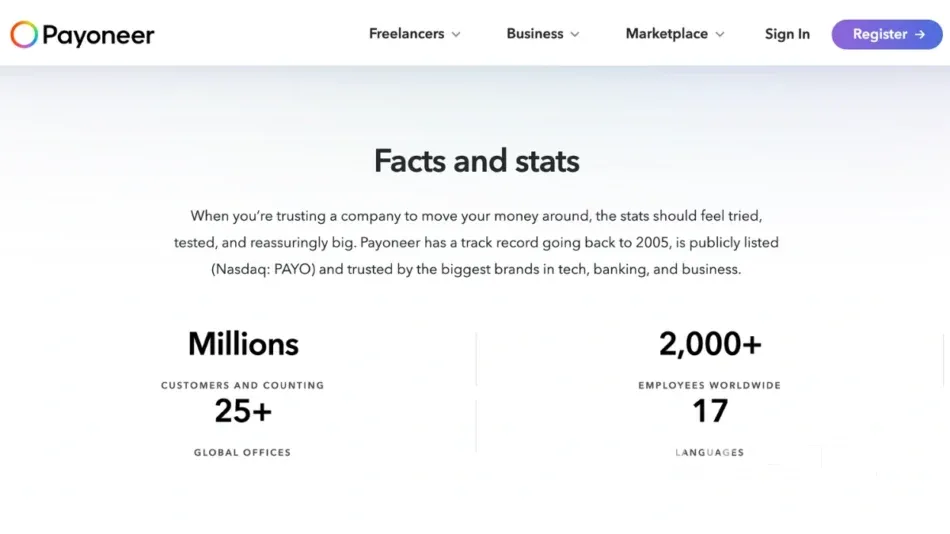
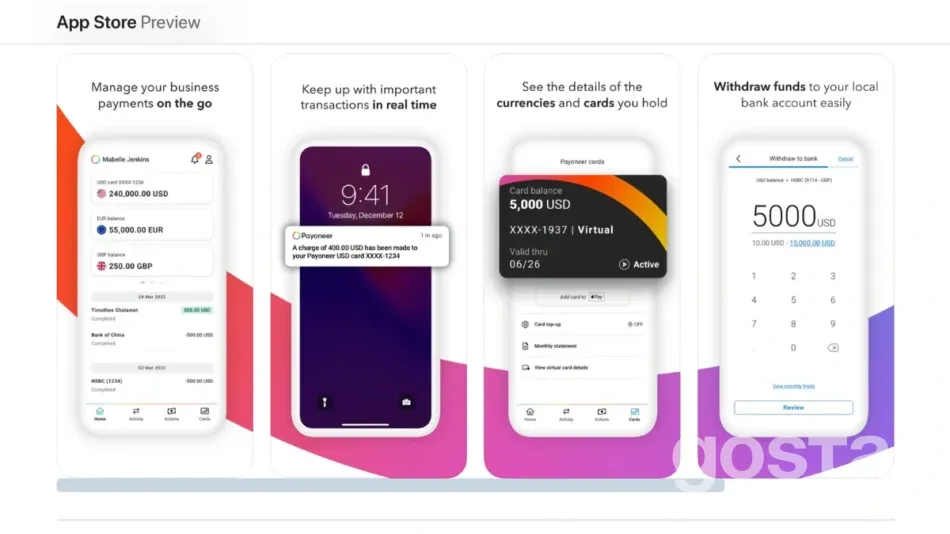
What is Payoneer? Payoneer is an online payment system that helps people and businesses send and receive money across different countries. It was founded in 2005 and is used by freelancers, e-commerce sellers, and companies to make international transactions easy. Payoneer makes it much easier to transfer money in different countries and currencies. An online payment system provides virtual bank accounts, prepaid cards, and fast money transfers, making it a great option for global business payments.
Are you a freelancer? Do you sell goods online? Do you work with international clients? Payoneer will be your reliable assistant. The service operates in over 190 countries and supports withdrawals in over 90 currencies.
What Features Does Payoneer Offer?
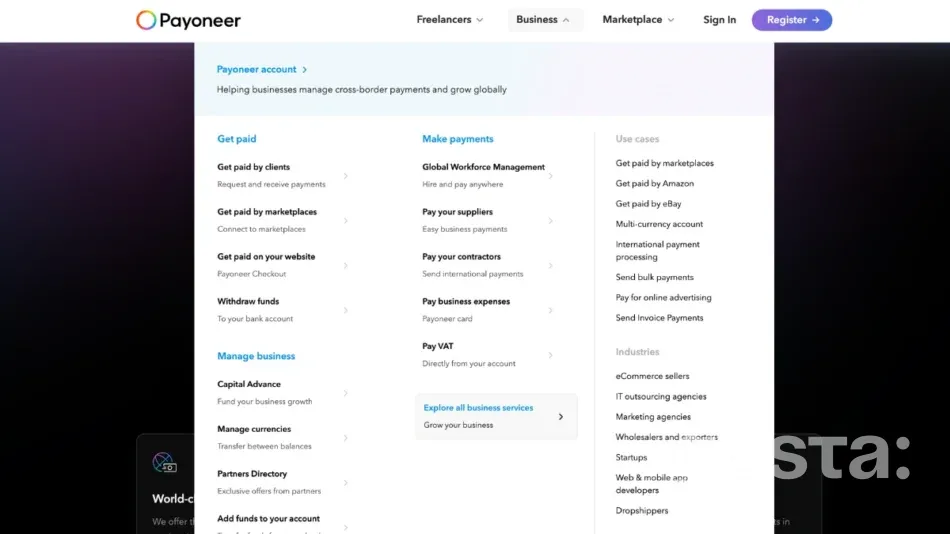
The main goal of Payoneer is to make international payments affordable. And, of course, simple and fast. Through the platform, you can:
Receive and send money.
Convert currencies.
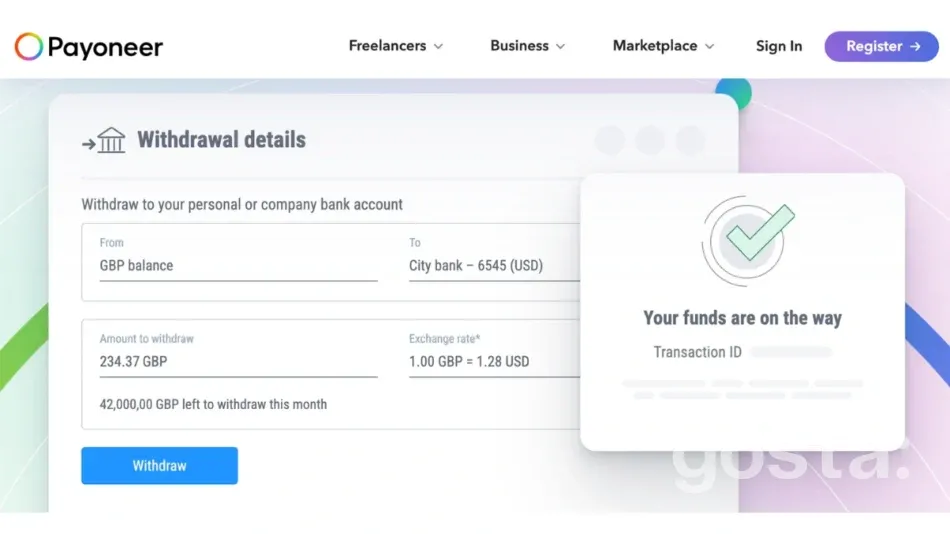
Withdraw funds to bank accounts or use a special card.
This is a truly universal tool. It is suitable for anyone who wants to work in the global market.
The main opportunities provided by the system:
International transfers. Send and receive money from any country. It is convenient if your partners or clients live in different parts of the world.
Multi-currency accounts. Open accounts in different currencies – USD, EUR, GBP, JPY, etc. Customers can pay you as if you were located in the same country.
Withdrawal of funds. You can withdraw funds in several ways:
To a bank account.
Through an ATM using Payoneer Mastercard.
Through local payment services.
Payoneer Mastercard. You can simply pay for your purchases with it. Pay as usual – online or in stores. You can also simply withdraw cash. This is possible at any ATM in the world that accepts Mastercard.
Integration with popular platforms. The system works closely with popular platforms. Work with Upwork, Fiverr, Amazon, Shopify, and others. Receive money from customers automatically.
Business tools. There are mega convenient solutions for business here. You can issue invoices and receive massive payments.
Who are the main clients of the Payoneer payment system? These are the people who were the first to appreciate all its advantages:
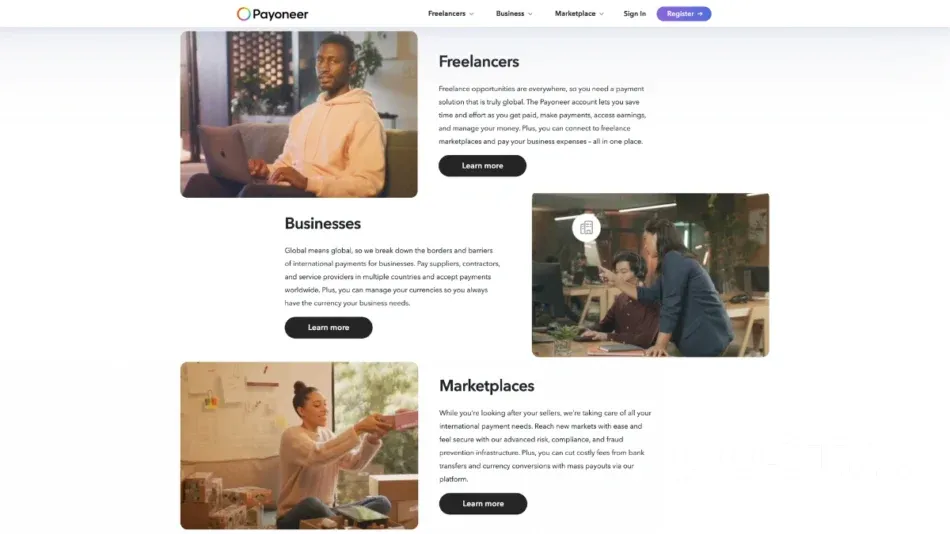
Freelancers. Do you work on freelance platforms such as Upwork, Fiverr, or Freelancer? Withdraw money to your account without any problems.
Small and medium-sized businesses. Do you work with international clients or partners? Payoneer makes it easy to pay for services and manage your finances.
Sellers on marketplaces. Selling on Amazon, Walmart, Shopify, or other platforms? Get paid quickly and easily.
Large companies. Even such well-known companies as Airbnb and Booking.com use this system.
How to Create Payoneer Account?
One of the advantages of Payoneer is its simplicity. To create Payoneer account, take just a few steps:
Create a Payoneer account. Fill in the information about yourself (name, email, address). Confirm your identity by uploading a document (passport or license).
Add a bank account. You will use it to withdraw funds. If necessary, create a virtual local account. It can be made in different currencies, such as USD, EUR, GBP.
Receive and withdraw money. The money is transferred to your Payoneer account. You can transfer it to a bank account or spend it via a card.
If you forget your Payoneer password, click “Forgot password?” to reset it.
How to Sign In to Payoneer from Any Device
Whether you’re using a computer or a phone, you can sign in to your Payoneer account in just a few steps:
On a computer. Visit the Payoneer login page, enter your email and password, and click “Sign In”.
On a smartphone. You can log in through the website or use the Payoneer mobile app, available on Android and iOS.
If you use Payoneer often, save your login page as a bookmark in your browser or download the app for quicker access.
Payoneer Integration with Different Platforms and Fees
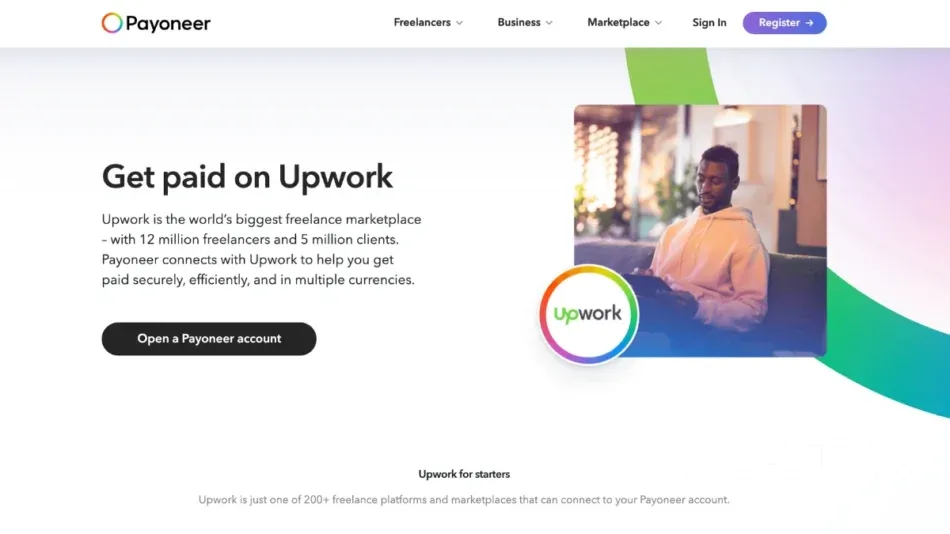
Payoneer integrates with many popular services used by freelancers, sellers, and businesses. This allows you to receive payments automatically without any hassle. One of the most successful examples is Upwork.
Payoneer is one of the most convenient withdrawal methods for freelancers on Upwork. Advantages:
Speed. Money is transferred to Payoneer in a few hours.
Low fees. The platform offers favorable withdrawal rates.
Convenience. You can withdraw money to a bank account or through a card.
How to connect Payoneer to your Upwork account
Create a Payoneer account. If you don’t have an account yet, sign up on the official Payoneer website and provide the necessary information about yourself and your business.
Add Payoneer as a payment method on Upwork. Sign in to your Upwork account. Then go to Settings > Receive Payments. Add Payoneer as a new payment method by following the on-screen instructions.
Confirm the connection. Once your Payoneer account is approved, enter your Payoneer credentials on Upwork to complete the integration.
If you work on Fiverr, Payoneer will also be your assistant. You can quickly receive your earnings without any extra fees. Do you work on Amazon or Shopify? Use Payoneer to receive funds in your currency. It is convenient because you do not need to open separate accounts in foreign banks. Payoneer is suitable for working with Freelancer, Toptal, 99designs, and many other services.
How Much Does It Cost to Use Payoneer?
Using Payoneer is a good thing. Many services are free or have low fees. But not all and not always. Let’s take a look at the highlights.
Receiving money:
Type of Payment
Fee Details
From another Payoneer customer
Free of charge
From customers from another direction (cards)
Up to 3.99%
From customers from another direction (bank debit in the US)
1%
From marketplaces and platforms (Upwork, Fiverr, etc.)
Depends on platform’s terms and conditions
Through local accounts (USD, EUR, GBP)
Free of charge for most currencies; USD – up to 1%
Payments to Payoneer users – From 1% (depending on the country).
Payments to bank accounts – Up to 3% (less for active users).
Transfer between your balances in different currencies – 0.5% of the amount.
Withdrawal of funds:
To an account in the same currency (for example, USD → USD). Up to $50,000 per month: $1.50. Over $50,000: 0.5% of the amount.
To an account in another currency (for example, USD → EUR): up to 3% of the amount.
Payoneer card:
First card – $29.95 per year.
ATM withdrawals – $3.15 per transaction.
Currency conversion is up to 3.5%.
Please note that the system has an annual inactivity fee of $29.95. No transactions? Not active for a year? Pay the fee.
Does Payoneer Have Any Downsides?
Yep, like any platform, Payoneer isn’t perfect. Here’s the lowdown on what might bug you:
Inactivity fees. Haven’t touched your account or card for a year? Heads up—you’ll get hit with a $29.95 fee. Kind of a bummer if you only use it occasionally.
High currency conversion fees. Switching currencies? You could lose up to 3.5%. Not ideal if you’re dealing with multiple currencies all the time.
Card fees. Keeping that Payoneer card costs $29.95 a year. If you barely use it, that might feel like a lot.
Extra costs for international transactions. Traveling or making purchases outside your card’s issuing country? You could pay up to 1.8% in fees. Not great, right?
Limited availability in some countries. Unfortunately, Payoneer doesn’t work everywhere. Some regions have restrictions on signing up or using the service.
Customer support speed. Most of the time, it’s fine. But some users complain that support can be slower than expected when you really need help.
Are these dealbreakers? Not really. Payoneer’s still one of the best options out there for international payments. Just make sure you read up on the fees so you’re not caught off guard.
Why Should You Go with Payoneer?
If you’re working with clients or platforms worldwide, Payoneer’s a no-brainer. Here’s why:
Easy setup. Signing up is super simple and free. No complicated steps—it’s all pretty user-friendly.
Hassle-free global payments. Get paid from anywhere, fast. If you’re on Upwork, Fiverr, or Amazon, Payoneer integrates directly, so you’re good to go.
Multi-currency accounts. Need accounts in USD, EUR, or GBP? No problem. It’s like having a local bank account in multiple countries.
Low fees. Transfers between Payoneer users are free, and withdrawing money to your local bank is affordable.
Handy Payoneer card. Use it to withdraw cash at ATMs, pay online, or shop in-store. Perfect for work or everyday spending.
Payoneer’s all about making your life easier, saving money, and opening doors for your business. Whether you’re a freelancer, business owner, or seller, this platform lets you work globally without a hassle. You get fast transfers, multi-currency accounts, and the freedom to manage your money your way. Give it a try — you might love it!
FAQs About Payoneer
How do I sign up for Payoneer?
Just head to the official Payoneer website and fill out the online form. You’ll need to provide some personal info and details about your business.
What payment methods are available at Payoneer?
With Payoneer, you can receive payments through bank transfers, Payoneer cards, or e-wallets.
How Long Does It Take to Transfer Money to Payoneer?
When using Payoneer to transfer money, the transfer time may vary. It depends on the payment method you choose. For example, transferring funds from a bank account can take several days. A transfer using a payment card can be instantaneous.
What Are the Benefits of Using Payoneer for Freelancers?
With Payoneer, freelancers can easily receive payments from clients from all over the world, quickly and securely. It is also possible to receive payments in different currencies.
Information
Engaging Business-Related Content To Check Out
At Gosta Media, we aim to provide our readers with the most relevant and engaging content, especially in the field of business. "Business" is a broad term that encompasses numerous concepts, strategies, and realities. It covers various aspects from entrepreneurship and corporate management, to financial analysis, investing, and beyond. Dive…
Subscribe to the monthly news digest from Gosta Media
The main news and updates from the team about gadgets, sports, cars, health, and lifestyle.
Get Your Personalized Synastry Chart (PDF)
We’ll email your full compatibility reading as a beautifully designed PDF. Just enter your email below and proceed to secure checkout.
One-time payment – just $9.99
Warning:
Access only for persons over 21 years of age
This section contains information about gambling and is available only to persons who are 21 years of age or older in accordance with the applicable laws of Ukraine. Please confirm that you are 21 years of age or older.
This platform does not have a Ukrainian license. The link is provided for informational purposes only. Participation in games on such sites may violate Ukrainian law.