How to Choose a CRM System for Your Business: What to Compare and Why
Looking for a CRM system for your business? This article gives you simple tips on what to consider: features, interface, price, integrations, and team-friendliness. Read on to help your business grow.

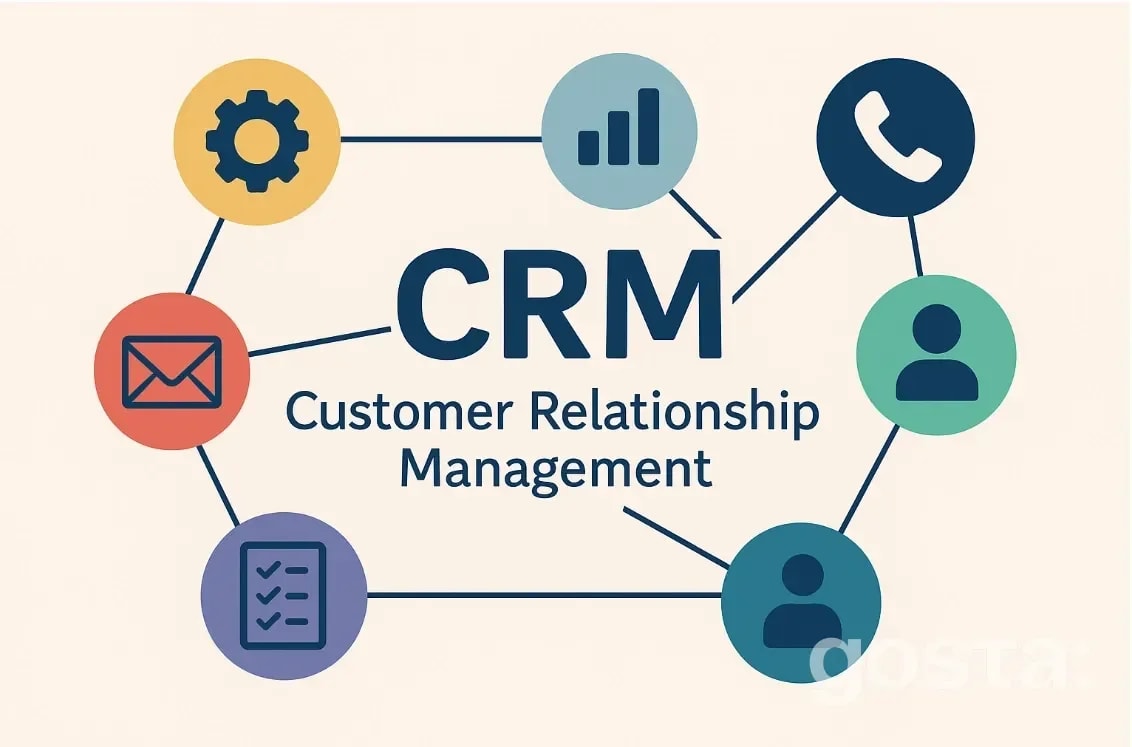
A CRM system (Customer Relationship Management) is software that helps you manage your interactions with customers. It helps businesses keep track of contacts, manage sales, automate processes, and build long-term customer relationships. Today, it's hard to imagine running a business without a CRM. The right CRM not only stores information but also improves customer service, reduces customer loss, and boosts profits. But which CRM is the best? We'll guide you on how to choose a CRM, what to compare, and why.
Define Your Business Needs — Why Do You Need a CRM?
How do you choose a CRM? First, understand why you need one. Every business has different goals. For example, one company might want to increase sales, another might focus on better customer service, while a third wants to automate document management. Think about the size of your company. Simple solutions work well for small businesses, while larger companies often need more complex systems with advanced features.
Also, figure out which processes you want to automate, such as:
- Sales;
- Handling requests;
- Email marketing;
- Reporting.
Make a list of your most important tasks. This will help you find a system that meets your specific needs.
Main Criteria for Choosing a CRM System
For a CRM to really help your business rather than get in the way, it's important to focus on key features. Not all CRMs are the same. They differ in functionality, ease of use, and cost. Here are the main things to compare before you decide.
Functionality
This is the first thing to look at when choosing the best CRM. Check what the system can do. Does it have:
- Customer profiles;
- Sales pipeline;
- Task calendar;
- Reports and analytics;
- Automated emails or reminders.
If something important is missing, that CRM might not be the right fit.
Interface and Ease of Use
A simple, intuitive CRM is a huge advantage. If your team can't quickly get the hang of it, they won't use it — it will just sit unused. Test the interface before choosing. If it feels easy to navigate, that's a good sign.
Mobility
Does it have a mobile app or mobile-friendly version? If your managers work out in the field, this is essential. A mobile CRM lets them check tasks, call, and message clients right from their phones.
Integrations
Your CRM should work smoothly with the tools you already use, like:
- Email (Gmail, Outlook);
- Messaging apps (Telegram, WhatsApp);
- Phone systems;
- Accounting software like 1C;
- Website forms or chat widgets.
The more integrations it supports, the less manual work you'll have.
Security
CRMs store sensitive customer data, so security matters. Check if the system offers:
- Access control with different user permissions;
- Two-factor authentication;
- Data backup.
This is especially important for companies handling confidential information.
Scalability
You might have 5 employees now, but 20 next year. The CRM should grow with you. Look for pricing plans that suit different business sizes. This will help you pick the CRM that fits your company best.
Comparing Popular CRM Systems
There are many CRM systems on the market. Here's a quick overview of some popular ones:
- Bitrix24: Good for small and medium businesses. Offers many features — sales, tasks, chats, storage. But the interface can be a bit complex and takes time to get used to.
- HubSpot: User-friendly and modern. Has a free version with basic features. Great for startups and small businesses.
- Zoho CRM: Flexible with powerful features. Supports automation, analytics, integrations. Suitable for medium and large companies.
- Salesforce: Designed for large companies and corporations. Powerful but expensive and complex to set up.
- Pipedrive: Simple, visual, and easy to use. Focused on sales. Perfect for small teams.
Don't just compare features; consider how well the CRM fits your industry. For example, an online store has different needs than a consulting firm.
How to Test a CRM System
Don't buy a CRM right away. Most services offer a free trial period. This is your chance to see if the system fits your needs. Invite the people who will use it daily—managers, sales reps, or admins—to try out their regular tasks. You'll quickly find out which CRM feels better and what's convenient or not.
During the trial, pay attention to:
- Speed and performance;
- Interface logic;
- Filter and search ease;
- Mobile and tablet functionality.
After testing, collect feedback from your team. If they don't like it, they won't use it.
Also, consider the cost before you choose. Look beyond the monthly fee:
- Setup and implementation (sometimes a separate service);
- Employee training;
- Extra modules or integrations;
- Fees for adding new users.
Some CRMs seem expensive but include everything in one price. Others are cheaper upfront but charge for every extra feature.
Tip: Make a cost table for 6–12 months of use. This will make it easier to compare options.
Tips for Choosing a CRM
Here are some quick tips to help you pick the best CRM and avoid mistakes:
- Don't pick the most popular CRM if it doesn't fit your needs. It's important that it matches your specific goals.
- Involve your team in the choice. People are more likely to use the system if they help pick it.
- Don't try to automate everything at once. Start with core processes and add more gradually.
- Track results. After a month or two, see what improved: faster request handling, more sales, fewer errors?
- Don't be afraid to switch CRM if it's not working. Choosing a system isn't forever. Sometimes it's better to change than to struggle with clunky software for years.
How to Choose a CRM for Your Business
Which CRM is best? It depends on your business. Check out this video on how to pick the right CRM and avoid mistakes:
Conclusion
A CRM system is a tool that helps your business grow. But to work well, it needs to match your goals, team, and budget. To pick the right CRM:
- Define your goals;
- Compare features and ease of use;
- Test several options;
- Pay attention to support and costs.
Don't look for a perfect CRM — look for the one that works for you.
FAQ
What does working in a CRM mean?
It means using the CRM daily to manage customers and sales. Employees add contacts, log calls, set tasks. The CRM helps keep track of clients and work efficiently.
What does CRM stand for?
CRM stands for Customer Relationship Management — managing relationships with customers.
What are the most popular CRM systems worldwide?
Some of the most well-known are Salesforce, HubSpot, and Zoho CRM. They have millions of users globally, from small businesses to large corporations.
Best of the week — in your inbox
No spam. Only top Gosta stories. Unsubscribe in one click.
Comments