Завантаження…

Google Play gift cards and codes provide a convenient way to add funds for purchases on the Google Play Store. They allow you to buy apps, games, subscriptions, movies, music, books, and much more without needing to link your credit card. If you're new to these gift cards or codes, we'll guide you on how to redeem a Google Play gift card or code and how to make the most of it.
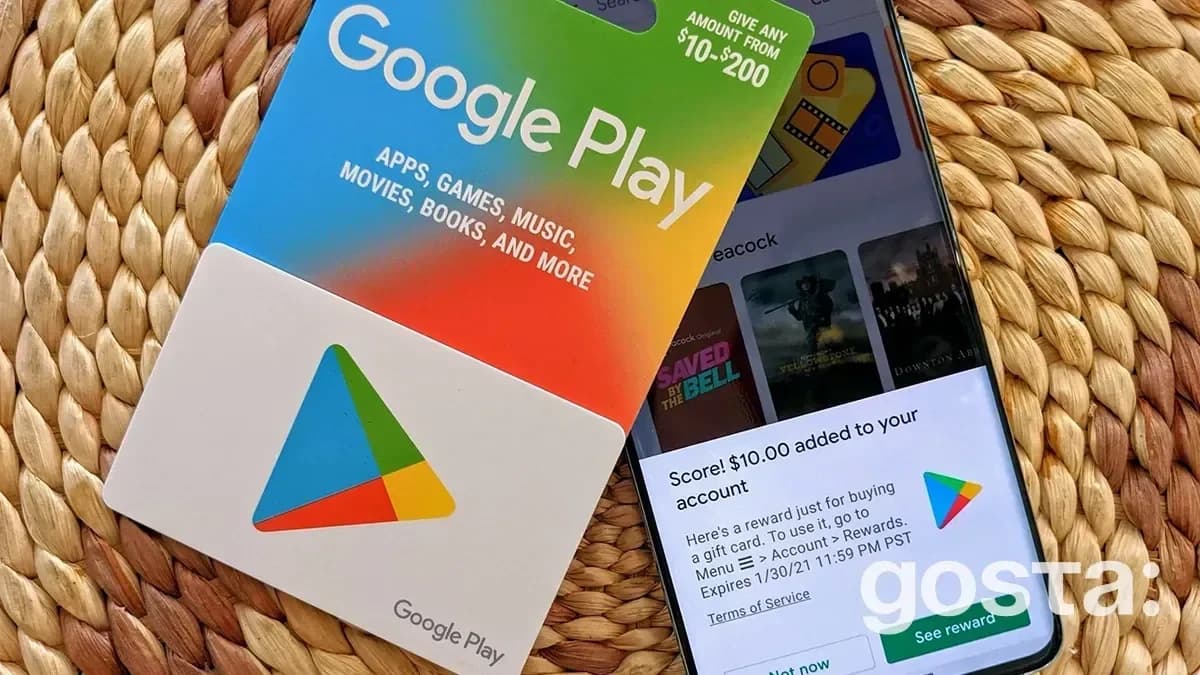
A Google Play gift card can be either a physical card or a digital code. It holds a specific value that you can use to fund your account. Gift card values vary, so you can easily find one that suits your needs. This type of card is an ideal solution if you want to add balance to Google Play without linking your bank card.
Another way to use a card is as a gift. It's called a gift card for a reason! This prepaid card can be used for purchases on the Play Store, making it a perfect present for someone who frequently shops on Google Play.
Main Benefits of Google Play Gift Cards:
A Google Play redeem code is a unique set of numbers and letters found on a gift card or sent in an email. They're also available through promotions or giveaways. These unique codes allow you to add funds to your balance.
Physical gift cards can be purchased at retail stores that sell them. Digital cards are available online and can be sent via email, messaging apps, and more.
For a list of official retailers selling Google Play gift cards, visit this link – https://play.google/giftcards/#where-to-buy.
Purchasing isn't the only way to get them. Gift cards or codes are sometimes given away in apps or as bonuses. If you follow Google's promotions closely, you might even receive promo codes that allow you to redeem a balance.
It's easy to redeem a Google Play gift card and quick. Here's a step-by-step guide to redeeming a gift card through the mobile app:
If you want to redeem a Google Play code on a computer, the process is a bit different. Log into your account on a PC and go to the Play Store in your browser. Scroll to the bottom of the page and find the "Redeem" button, then enter your code and confirm.
Use this link play.google.com/redeem to access the redemption page directly.
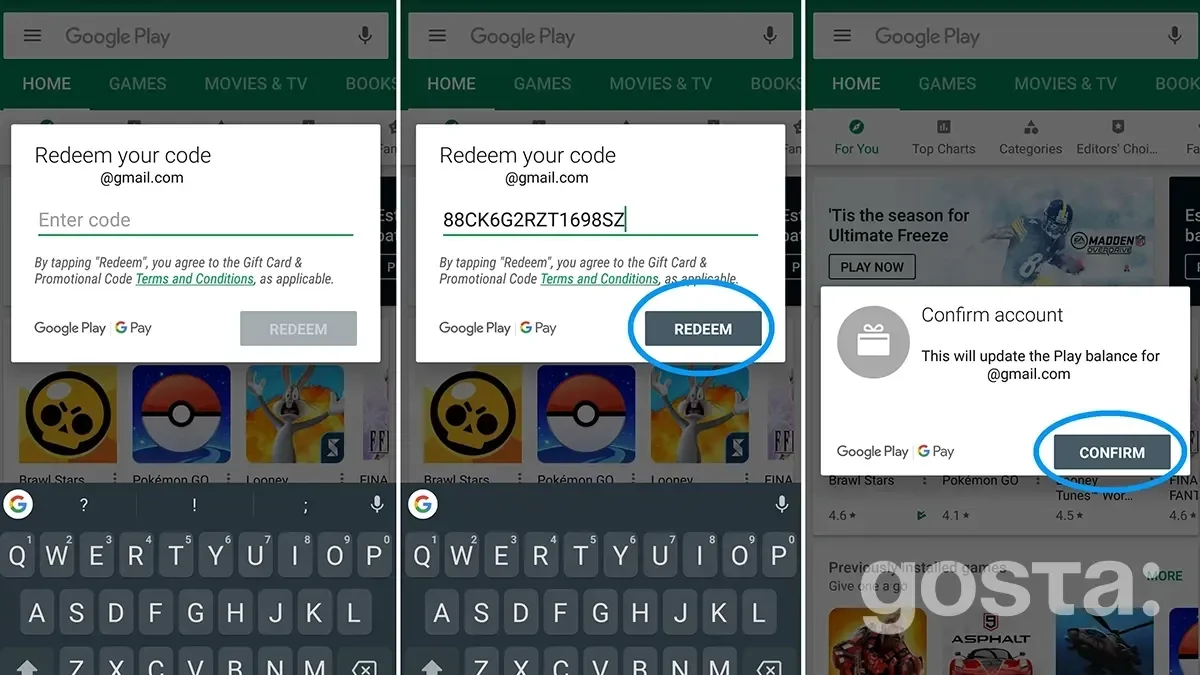
If you received a digital code instead of a card, the process is still simple. Find the redemption page and enter the code in the designated field. Redeeming a code is even easier since you can just copy and paste it without typing manually.
After redeeming a gift card or code, a balance will appear in your account. You can use it to purchase apps, games, movies, books, music, and subscriptions.
How to Make Purchases:
To check the remaining balance, go to the menu and select "Payments and subscriptions," where you'll see the current balance.
Sometimes, issues arise when redeeming a Google Play gift card or code. Here are common problems and how to resolve them:
To learn more about using Google Play gift cards or codes, check out this video:
Redeeming Google Play gift cards and codes is a simple and convenient way to add funds for purchases on the Play Store. With this balance, you can buy not only apps and games but also subscriptions, movies, books, and other services. This method allows you to use the platform without linking bank cards, making purchases even safer and more convenient.
The balance can be spent on apps, games, movies, books, and subscriptions.
Unfortunately, lost cards cannot be recovered or replaced.
You can change the country in your account settings to redeem such a card.
Без спаму. Лише топ-матеріали Gosta. Відписатись в один клік.