
GTA 6 Update: November 23 Fixes for Crashes, Autosaves and Story Calls
See what Rockstar confirmed in the November 23 GTA 6 update, how to check it on PS5 and what to record if crashes or missing story calls continue.

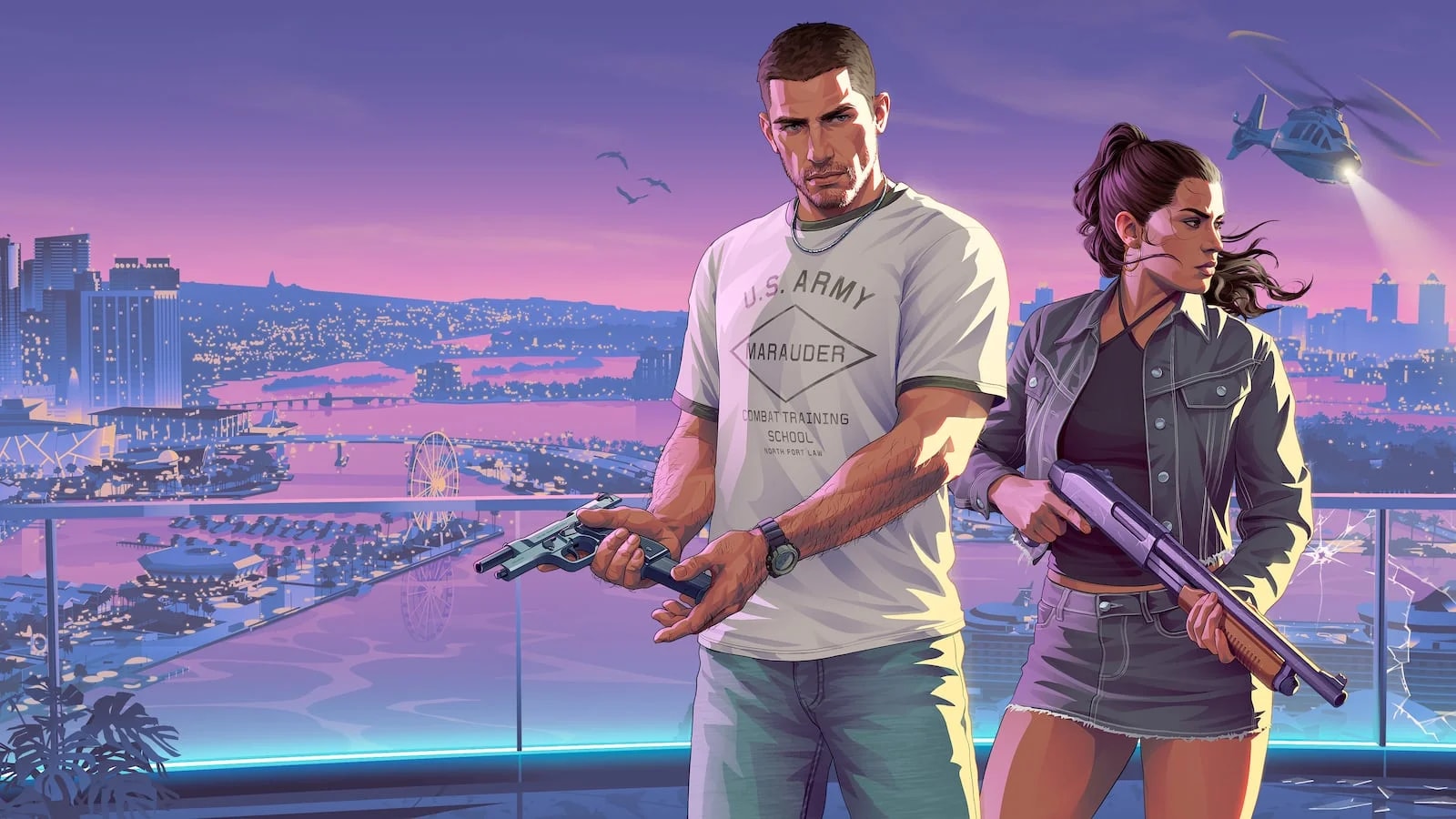
The November 23 GTA 6 update fixes crashes, autosave problems and phone calls that could prevent story progression or mission unlocks, according to Rockstar's official launch notes. It also addresses stuck weather, a Wanted Level that would not clear, the gym's deadlift bar and partners failing to hand over bags for sale to fences.
If one of those problems interrupted your playthrough, checking that the GTA 6 update has finished installing is a sensible first step. This GTA 6 update is a maintenance release; the published notes do not announce new missions or a new performance mode. Here is what the confirmed changes mean, how to check your installation and what to record if a fault continues.
What does the November 23 GTA 6 update fix?
The GTA 6 update covers seven groups of fixes in Rockstar's official launch-update notes for PS5 and Xbox Series X|S. The GTA 6 update list describes resolved faults, rather than extra activities or a change to the game's overall design.
Area | Confirmed change |
|---|---|
Stability | Several causes of crashes addressed. |
Weather | A fault that kept weather unchanged for extended periods fixed. |
Autosave | Incorrect autosaving addressed. |
Phone calls | Triggering problems fixed, including calls tied to story progression and mission access. |
Police pursuit | A fault preventing players from losing their Wanted Level fixed. |
Gym | Use of the deadlift bar restored where a bug blocked it. |
Loot handover | Partners failing to hand over bags for sale to fences addressed. |
These GTA 6 update notes do not give a download size or a console build number. Check the version information on your own console rather than assuming that a number circulating online is part of Rockstar's announcement.
Can the GTA 6 update unblock a missing story call?
The GTA 6 update addresses calls that failed to trigger, including calls needed to advance the story or unlock missions. That makes the GTA 6 update relevant if progress stopped while you were waiting for a call.
Rockstar does not say that every previously affected save will automatically recover. After installing the GTA 6 update, reopen the game and check the objective you were following. Record the mission name and what happens next if you still cannot continue; do not erase your existing save as an improvised fix.
A useful support report distinguishes a missing mission call from a crash, an unfinished objective or uncertainty about where to go. Note whether the problem began before the GTA 6 update and whether it can be repeated afterward. Those details describe the fault more clearly than simply saying that the story is broken.
How do you check the GTA 6 update on PS5?
Check the GTA 6 update on PS5 by highlighting the game on the home screen, pressing Options and choosing Check for Update. These are Sony's official game-update steps.
Save your progress through the game's normal save options and close it.
Open the game's Options menu and check for an update.
Let any download and installation finish before launching again.
Revisit the specific problem and record the result.
A console system update and a GTA 6 update are different downloads. Check which item appears in the download queue before deciding the game itself has been patched. If an installation fails, keep the displayed error code for support.
Does the GTA 6 update change Criminal Profile or endings?
The GTA 6 update notes do not announce changes to Criminal Profile or the conditions for an ending. Fixing a Wanted Level problem should not be interpreted as confirmation that a separate character system has been redesigned.
For that distinction, read our GTA 6 Criminal Profile guide. Keep story theories separate from the GTA 6 update changelog: a GTA 6 update note cannot substantiate a new ending, a hidden mission or a different relationship outcome.
What should you do if crashes continue?
If crashes continue after the GTA 6 update, record your console model, installed version, error code and the action immediately before the crash, then contact Rockstar Support. A repeatable description gives support something concrete to investigate.
Do not buy replacement hardware solely because an article mentions a crash. This GTA 6 update confirms software fixes, not a diagnosis of your console. If you are independently choosing a new system, our GTA 6 console comparison covers a different decision.
GTA 6 update FAQ
Will the GTA 6 update restore lost progress?
The GTA 6 update fixes an autosave issue, but the notes do not promise to recreate progress that was never saved. Preserve the saves you still have.
Does the GTA 6 update add a faster graphics mode?
The GTA 6 update notes do not announce an additional graphics mode or a guaranteed frame-rate improvement. Do not treat a bug-fix list as a performance test.
Is a separate purchase required for the GTA 6 update?
The GTA 6 update is described as a launch update for the existing console game, not a newly announced expansion. Nothing in the GTA 6 update notes is a reason to purchase another edition.
Best of the week — in your inbox
No spam. Only top Gosta stories. Unsubscribe in one click.
Comments