
Best Console for GTA 6: PS5 vs PS5 Pro vs Xbox Series X and S
Compare PS5, PS5 Pro, Xbox Series X and Series S for GTA 6: checked US prices, full setup costs, storage, disc support and choices for each budget.

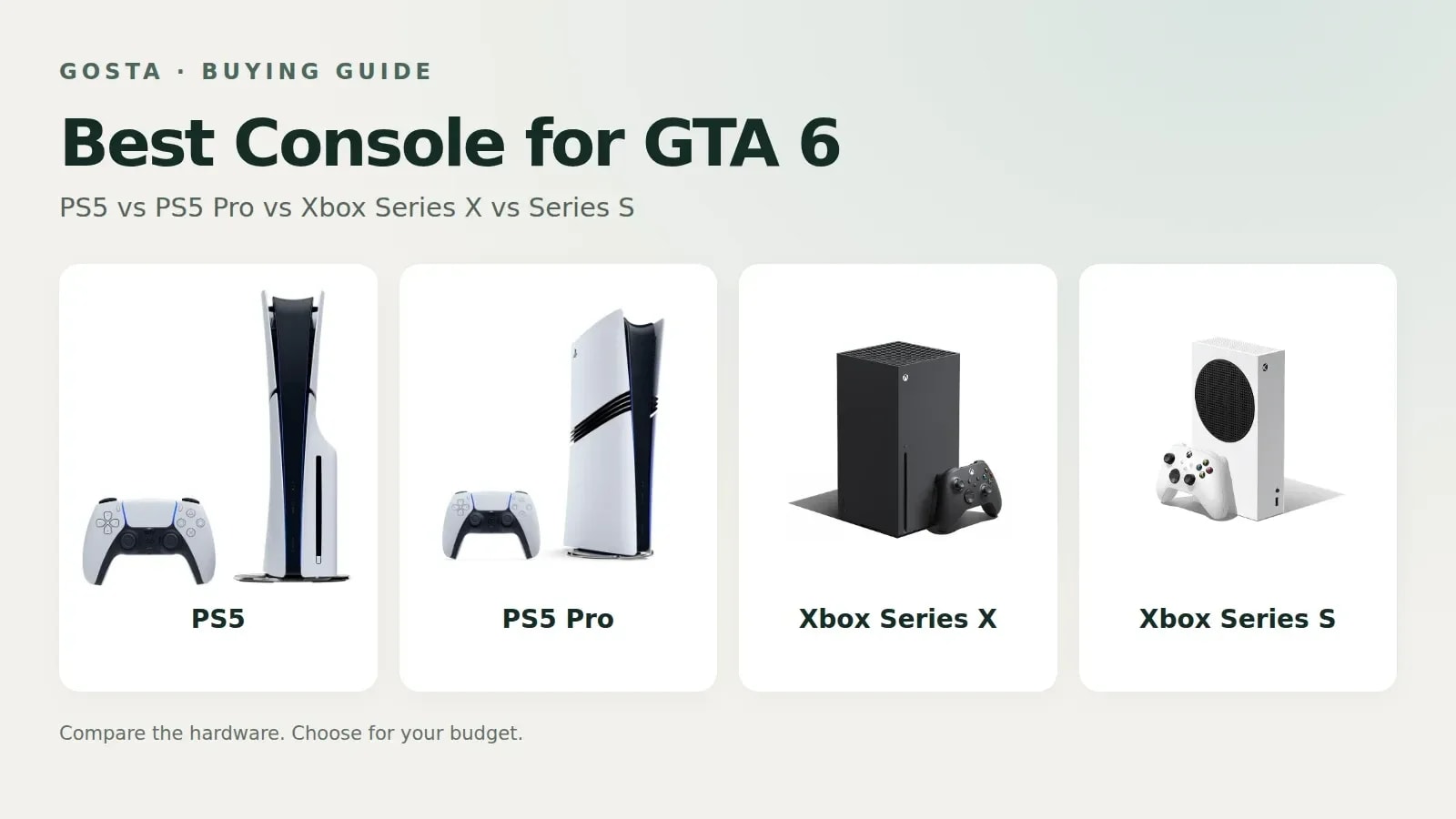
Contents10
- Which console should you buy for GTA 6?
- PS5 vs PS5 Pro vs Xbox Series X vs Series S: what are the differences?
- Why is PS5 the sensible starting choice?
- Is PS5 Pro worth the extra money for GTA 6?
- When should you choose Xbox Series X for GTA 6?
- Is Xbox Series S a good budget choice for GTA 6?
- How much does a console plus GTA 6 actually cost?
- Do you need a new TV, SSD, subscription or extra controller?
- Should you upgrade if you already own a supported console?
- What should you check in a Black Friday console deal?
The standard PS5 is our starting recommendation for most new GTA 6 buyers, PS5 Pro is the premium visual option, Xbox Series X makes the most sense for an existing Xbox library, and Series S is the lower-cost entry point. The right purchase depends on the complete price, the television you already own, and whether you need a disc drive—not simply the largest number on a specification sheet.
Grand Theft Auto VI is available on PS5 and Xbox Series X|S. Rockstar identifies a 30-frames-per-second target on consoles, while PlayStation lists GTA VI as PS5 Pro Enhanced, with PSSR image reconstruction and ray-traced shadows. Buying a more expensive console should therefore be a considered choice about image quality and the wider library, rather than an assumption that it unlocks 60 fps.
US prices below were checked on November 20, 2026, using official Sony and Microsoft listings. They are listed prices before sales tax, not guaranteed stock or the lowest price across every retailer. This is a buying guide based on published specifications, official game features, and current listings; we have not conducted our own hands-on performance tests.
Which console should you buy for GTA 6?
Choose a PS5 for a balanced new purchase, a PS5 Pro if its confirmed visual enhancements justify the premium to you, an Xbox Series X if you want to keep building an Xbox setup, or a Series S when the initial budget is the deciding constraint. These are recommendations for different buyers, not a claim that all four deliver identical image quality.
Best starting point for most new buyers: PS5. Compare the 1TB disc model with the cheaper Digital Edition before deciding.
Premium choice: PS5 Pro. Its GTA VI-specific improvements include PSSR clarity and ray-traced shadows, and the console includes 2TB storage.
Best fit for an Xbox household: Xbox Series X. Keep your existing compatible library and accessories in the same ecosystem.
Lowest listed entry price in this comparison: Xbox Series S 512GB. Budget for a digital game purchase and check storage requirements carefully.
Best option if you already own supported hardware: keep it first. Play on your current PS5 or Series X|S before buying another console just for launch excitement.
PS5 vs PS5 Pro vs Xbox Series X vs Series S: what are the differences?
The main purchase differences between PS5, PS5 Pro, Xbox Series X and Series S are price, storage, disc support, and the game features specifically confirmed for each platform. The table identifies the exact versions being compared because storage and disc support change between editions of the same console family.
Model compared | Listed US price | Storage | Disc drive | Best fit |
|---|---|---|---|---|
PS5 standard, 1TB | $649.00 | 1TB | Included | Balanced PlayStation purchase |
PS5 Digital Edition, 825GB | $599.00 | 825GB | Not included | Lower-cost PlayStation setup |
PS5 Pro | $899.00 | 2TB | Sold separately | Premium GTA VI visuals |
Xbox Series X Carbon Black | $799.99* | 1TB | Included | Existing Xbox ecosystem |
Xbox Series S Robot White | $499.99 | 512GB | No | Lowest initial hardware spend |
Xbox Series S Robot White | $599.99 | 1TB | No | Budget Xbox with more storage |
*Microsoft's configurator listed the 1TB Carbon Black Series X at $799.99 but marked it out of stock during the check. Its "from $749.99" headline refers to a different, all-digital Series X option. Do not compare that headline price with the disc-equipped model as though they were the same product.
Storage capacity is not the same as free space. System software uses part of the drive, and the space available on a new console will be less than the number on the box. A larger drive changes how many games you can keep installed; it does not automatically change the visual performance of GTA VI.
Why is PS5 the sensible starting choice?
PS5 is the sensible starting choice in this guide because it combines a lower listed price than PS5 Pro with officially supported GTA VI features, including DualSense haptic feedback and adaptive triggers. For someone buying into PlayStation primarily for this game, the premium console needs to justify a substantial additional spend.
At the prices checked, the 1TB disc PS5 costs $50 more than the 825GB Digital Edition. That difference buys the disc-equipped configuration and a higher nominal storage capacity, rather than a higher-performance GTA VI version. Your broader collection determines whether that is useful: someone with compatible PlayStation discs has a different need from a first-time buyer who only purchases digital games.
The official product photograph below shows the PS5 disc configuration. Verify the storage and drive on the retailer listing rather than identifying a model only from its white casing.

Choose it if: you want a straightforward PlayStation setup and can use its price advantage elsewhere.
Choose Digital Edition if: you are comfortable buying digitally and the smaller drive meets your needs.
Look elsewhere if: your existing Xbox collection and compatible accessories make switching unnecessarily expensive.
Check PS5 1TB price and availability · Compare PS5 Digital Edition
Is PS5 Pro worth the extra money for GTA 6?
PS5 Pro is worth considering for GTA 6 if you specifically value the confirmed PSSR image clarity and ray-traced shadows and have a display and budget that make those improvements worthwhile. It is not a necessary purchase to access the game, and its $899 listed price is $250 above the standard 1TB disc PS5 in this check.
The Pro also includes 2TB storage, which matters if you maintain a large installed library. However, a disc drive and vertical stand are sold separately. If those matter to your setup, include them in the comparison before calling the Pro's sticker price your final total.
Pay attention to the distinction between general console advertising and this game's specific feature list. Support for high frame rates in selected games does not promise that every PS5 Pro Enhanced title runs at 60 or 120 fps. For GTA VI, the confirmed purchase argument here is the stated visual enhancement, not a frame-rate claim we have measured ourselves.
The official PS5 Pro product image shows the console and controller; optional hardware must still be checked against the retailer's box contents.

Choose it if: GTA VI visual improvements and 2TB storage are valuable enough to justify the complete cost.
Skip the upgrade initially if: you already own a PS5 and have not yet tried the game on it.
Check before checkout: whether you need a separate disc drive or stand.
Check PS5 Pro price and availability
When should you choose Xbox Series X for GTA 6?
Choose Xbox Series X for GTA 6 when its fit with your existing Xbox library, compatible accessories, and wider gaming plans is more valuable than switching platforms. The Carbon Black 1TB model compared here includes a disc drive; the Robot White all-digital version is a separate configuration.
Series X is the higher-specification Xbox family in this comparison. That makes it the model to examine first if you want an Xbox setup with more graphical capability than Series S. It does not, by itself, establish a GTA VI frame-rate advantage over another console: game-specific performance requires game-specific evidence.
Microsoft's direct configurator marked the compared model out of stock during our check. Treat its listed price as a reference and use an authorized retailer to check a live offer. Verify the seller, warranty, storage capacity, drive, and condition, especially when a marketplace mixes new and refurbished units under similar titles.
This official image shows the Carbon Black disc-equipped Series X, making it easier to distinguish it from the white all-digital version or a limited edition.

Choose it if: you want the stronger Xbox hardware option and intend to keep using that ecosystem.
Be cautious if: the only available offer adds a large marketplace premium.
Compare the exact edition: a cheaper all-digital Series X does not include a disc drive.
Check Xbox Series X options and availability
Is Xbox Series S a good budget choice for GTA 6?
Xbox Series S is the budget choice when the lowest initial hardware cost matters more than maximizing image quality or storage flexibility. The checked 512GB model is $499.99, but the 1TB version is $599.99, so the storage upgrade changes the value comparison significantly.
Series S is an all-digital console. A physical game disc cannot be inserted, and buying a disc-shaped case does not necessarily mean the product contains an optical disc; read the game listing to determine whether it supplies a download code. The console's digital purchase route should be part of the decision from the start.
A lower-resolution television can make a budget console a reasonable fit, but it does not erase hardware differences. Do not assume that connecting Series S to a 1080p screen guarantees identical performance to Series X. Screen resolution and the game's rendering workload are related but separate issues.
The official Series S photograph below shows the compact white model and controller. The same broad appearance can be used for different storage variants, so read the capacity in the product description.

Choose it if: the 512GB price is the amount you can comfortably spend and you accept its hardware trade-offs.
Reconsider the 1TB version if: its price approaches another console that better suits your wider library.
Check storage first: avoid planning around the full advertised capacity as though all of it were available for games.
Check Xbox Series S 512GB and 1TB prices
How much does a console plus GTA 6 actually cost?
A console plus GTA 6 costs the hardware price plus the edition of the game you choose, with sales tax, shipping, and any genuinely necessary extras added at checkout. The calculations below use $79.99 for Standard Edition as a planning baseline, with no assumed bundle discount.
Configuration | Console + $79.99 game | What to remember |
|---|---|---|
Series S 512GB | $579.98 | Digital-only console |
PS5 Digital 825GB | $678.99 | Smaller nominal storage than 1TB PS5 |
Series S 1TB | $679.98 | More storage, same Series S family |
PS5 1TB disc model | $728.99 | Disc drive included |
Series X 1TB Carbon Black | $879.98 | Direct-store stock was unavailable at check |
PS5 Pro 2TB | $978.99 | Optional disc drive and stand excluded |
These are arithmetic purchase budgets, not live checkout quotes. If a bundle includes the game, count it once. If a promotion gives a certificate for a later purchase, do not subtract that amount from today's payment unless the retailer explicitly applies it at checkout.
Do you need a new TV, SSD, subscription or extra controller?
You do not need to buy a new TV, SSD, subscription, and extra controller automatically just because you are buying GTA 6. Start with what the chosen console includes, the requirements of the game mode you will use, and the equipment you already own.
PlayStation lists GTA VI as a one-player game with offline play enabled. Do not add an online multiplayer subscription to the story-mode budget by default. A subscription's wider benefits are a separate purchase decision, and a service carrying games from the same publisher does not automatically include the latest GTA release.
For storage, PlayStation's preparation guidance names a minimum of 212GB free on PS5. Check the current requirement on your own platform and leave room for updates. That PS5 figure should not be presented as a measured, permanent installation size for every Xbox configuration.
A compatible display and the included controller are enough to begin planning. A premium screen or additional storage can be a later upgrade once you know what is limiting your actual use. That sequence reduces the chance of buying accessories to solve a problem you do not have.
Should you upgrade if you already own a supported console?
If you already own a PS5 or Xbox Series X|S, try GTA 6 on that hardware before paying for a second console solely for this game. Existing ownership changes the economics: the meaningful comparison is the cost of the game alone against the net cost and benefits of an upgrade.
For a PS5 owner considering Pro, identify which confirmed visual feature you want and whether you will notice it at your usual screen size and seating distance. For a Series S owner considering Series X, compare the full upgrade cost, storage, and the broader games you play. Trade-in values are conditional offers, not universal discounts available to every reader.
Our GTA 6 completion and playtime guide can help you judge how much time you expect to spend with the game. A longer playthrough may make a premium setup more valuable to you, but it does not make an upgrade compulsory.
What should you check in a Black Friday console deal?
A good Black Friday console deal should reduce the total cost of the exact setup you need, with clear stock, seller, and return terms. A sale label alone does not establish a saving on the console you intended to buy.
Match the model, storage, disc support, and new or refurbished condition.
Compare the actual checkout cost, including any shipping and local tax.
Check whether the game is included, sold separately, or supplied as a code.
Separate immediate discounts from future store credit or trade-in estimates.
Confirm who sells and fulfills the order, together with return and warranty terms.
Recheck the offer at checkout because prices and availability can change.
For a first-time buyer without a platform commitment, begin with the PS5 options and compare the complete total. Choose Pro for the confirmed visual enhancements you actually want, Series X for the Xbox setup you intend to keep, or Series S for a deliberate budget compromise. The best choice is the one whose benefits you will use at a price you can justify.
Best of the week — in your inbox
No spam. Only top Gosta stories. Unsubscribe in one click.
Comments