
OpenAI Dots Can Keep Working After You Leave – Here's What That Actually Means
OpenAI Dots are always-on AI agents powered by GPT-6 Astra. Here’s how OpenAI Dots work, what they can do 24/7, who can use them, and where users stay in control.

Contents14
- What Is OpenAI Dots?
- How OpenAI Dots Works Differently From Regular ChatGPT
- OpenAI Dots Gets Its Own Cloud Computer
- OpenAI Dots Can Work Without a New Prompt
- What Can an OpenAI Dots AI Agent Actually Do?
- Dots Can Connect to More Than 4,000 Apps
- The Dot Learns How You Prefer Work to Be Done
- Can OpenAI Dots Take Actions on Their Own?
- Could a Dot Send the Wrong Email or Make a Bad Decision?
- What Happens to Your Data With OpenAI Dots?
- Who Can Use OpenAI Dots in the U.S.?
- How Much Does OpenAI Dots Cost?
- OpenAI Dots vs. ChatGPT Tasks: What Is the Difference?
- Why OpenAI Dots Matters for the Future of AI Assistants
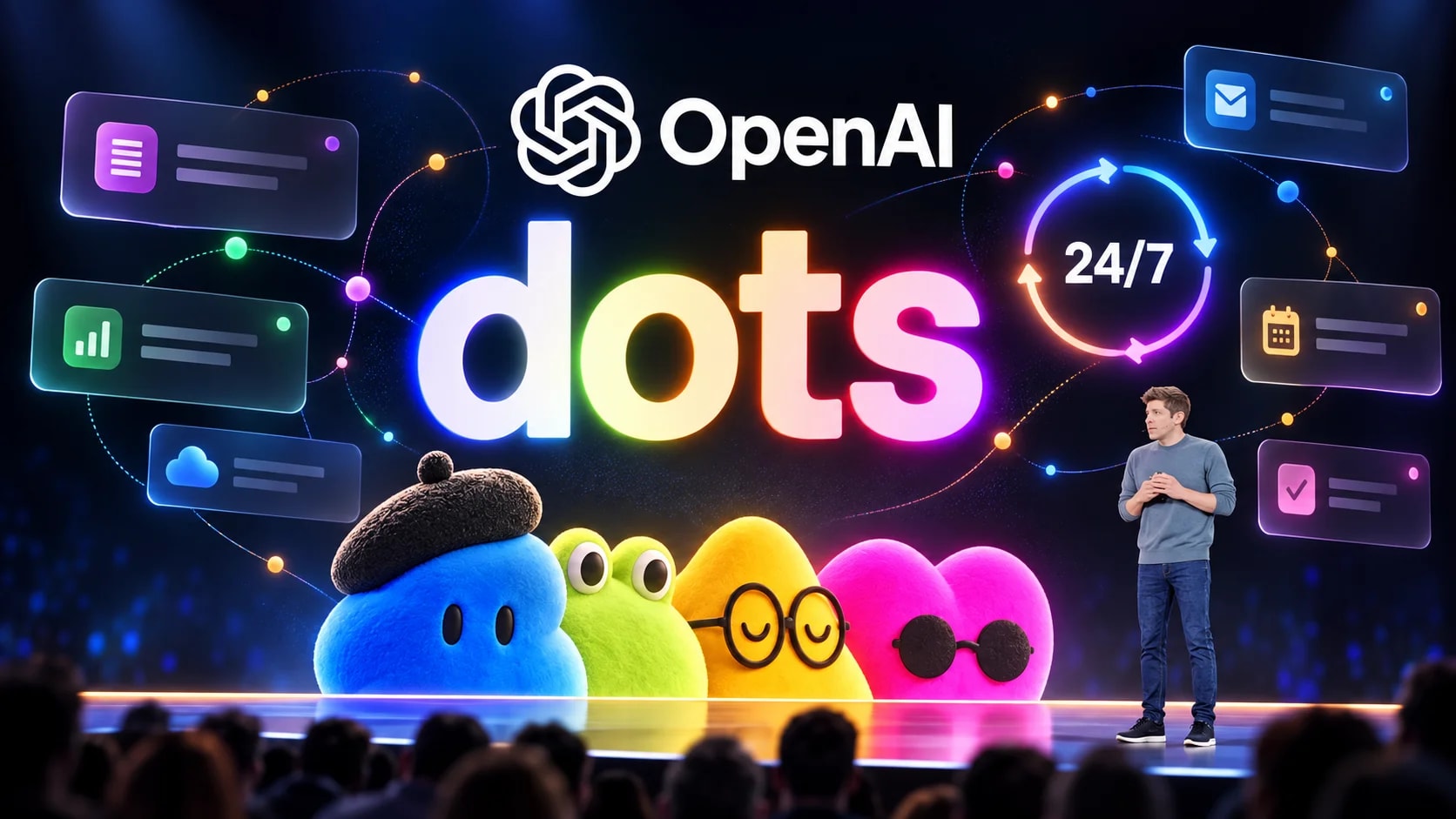
OpenAI Dots are a new type of always-on AI agent inside ChatGPT. Instead of waiting for a fresh prompt every time, a Dot can take on an ongoing responsibility, keep making progress between conversations, use connected apps, and return when it has results or needs a decision. OpenAI launched Dots on September 29, 2026, with an initial rollout to eligible Pro, Business Premium, and Enterprise users.
That distinction matters more than the name. Chatbots are usually reactive: a user asks, the model answers, and the interaction pauses. OpenAI Dots are designed to continue working toward a goal even when the user is no longer actively chatting, which moves ChatGPT closer to an ongoing digital worker than a question-and-answer tool.
Each Dot runs on GPT-6 Astra, has its own cloud computer and browser, can work with connected apps, and can remember context from ongoing work. OpenAI says Dots can work toward goals 24/7 and connect through its plugin ecosystem to more than 4,000 apps.
What Is OpenAI Dots?
OpenAI Dots is the company's new always-on agent system for ChatGPT. A user creates a personal Dot, gives it goals, connects the apps it needs, and decides which actions it may take independently and which require approval. The Dot can then continue working across multiple tasks rather than treating every conversation as a separate session.
The easiest way to understand the difference is to compare a Dot with a normal ChatGPT conversation. A regular conversation typically responds to what a user asks at that moment, while an OpenAI Dots AI agent can retain responsibility for something that remains unfinished. It can research, monitor changes, run scheduled work, and bring updated results back later.
That does not mean a Dot can do anything it wants. Users define permissions, OpenAI applies built-in safety restrictions, and certain consequential actions still require approval or direct human control.
How OpenAI Dots Works Differently From Regular ChatGPT
The biggest difference is continuity. OpenAI Dots can maintain context about a goal, understand what has already happened, and figure out what needs to happen next without requiring the user to manually direct every individual step.
For example, a regular ChatGPT workflow might require repeated prompts such as "check the latest feedback," "summarize what changed," "update the draft," and "tell me what still needs attention." A Dot can potentially receive the broader responsibility once and continue handling the recurring parts of that process. OpenAI describes examples involving software development, product launches, scientific analysis, sales work, and content production. OpenAI
How OpenAI Dots works is therefore less about one smarter answer and more about persistent execution. The value appears when a task lasts hours, days, or weeks and requires repeated checks, updates, or follow-through.
OpenAI Dots Gets Its Own Cloud Computer
Every Dot has a separate cloud computer, which gives the agent a workspace where it can browse, use tools, and complete multi-step tasks. The user can open that computer to inspect what the Dot is doing rather than relying only on a final text response.
A Dot does not automatically receive access to the user's laptop. Local computer access starts turned off and must be explicitly enabled through the ChatGPT desktop app, after which the user can revoke access again. With permission, the Dot can work with files, local tools, the browser, and tasks in services such as ChatGPT Work or Codex.
This separation is important because "AI agent with a computer" can sound more invasive than the actual default setup. The Dot begins with its own cloud environment, while the user's device remains separate unless the user chooses to connect it.
OpenAI Dots Can Work Without a New Prompt
One of the most significant features is background activity. A Dot can run scheduled tasks and recurring checks, review connected information, and continue work without waiting for a new message each time.
OpenAI also calls part of this behavior "proactive research." When the user is not actively working with the Dot, the agent can review information from connected sources and look for useful updates. However, proactive research operates under stricter limits: those tools can read permitted information but cannot directly send messages, change app content, or control a browser or computer.
That distinction matters when describing OpenAI Dots as a 24/7 AI agent. The system can keep thinking, monitoring, researching, and running authorized workflows, but it does not receive unlimited permission to act on every piece of information it finds.
What Can an OpenAI Dots AI Agent Actually Do?
OpenAI is positioning Dots around ongoing work rather than isolated prompts. The company's examples show agents handling processes where new information keeps arriving and the desired output changes over time.
A developer's Dot could monitor customer feedback, identify recurring problems, build and test smaller fixes, and prepare pull requests for review. A scientist's Dot could rerun analysis when new data arrives, investigate unusual results, update figures, and flag findings that need human attention.
For content work, an OpenAI Dots AI agent can learn the creator's standards, process new interview transcripts, identify potential clips, prepare show notes, and draft social posts. OpenAI also describes enterprise use cases involving sales proposals, procurement, invoice processing, support, email marketing, and contracts.
The common pattern is clear. Dots are most useful when the work has a continuing state and would normally require someone to keep checking what changed.
Dots Can Connect to More Than 4,000 Apps
OpenAI says Dots can connect to more than 4,000 apps through its plugin ecosystem. The user chooses which services are connected, while permissions are managed through ChatGPT's existing plugin controls.
Connected apps can give a Dot access to information needed for ongoing tasks. The Dot can also use permitted information to build context and memories that help it handle future work more consistently. Disconnecting an app stops new access, but it does not automatically erase information that the Dot has already incorporated into its own context.
OpenAI Dots can also be reached outside the main ChatGPT interface. OpenAI says users can communicate with their Dot through ChatGPT and Slack, with Teams support also part of the announced experience and texting being introduced in limited form.
The Dot Learns How You Prefer Work to Be Done
OpenAI Dots use memory to make ongoing work more personalized. A Dot can receive memory and recent context from ChatGPT and create its own memories from conversations and connected apps.
Over time, that can include preferences, work standards, recurring priorities, or the way a user evaluates results. OpenAI describes the system as learning "what good looks like" for the individual user, which is important for work that cannot be reduced to a fixed set of instructions.
There is also a privacy trade-off to understand. Users currently cannot individually inspect, edit, or delete every specific memory stored in a Dot's own context, and deleting that Dot is the way to remove its retained context.
Can OpenAI Dots Take Actions on Their Own?
Yes, within defined permissions and safety rules. Users can create Custom Rules that tell a Dot whether a supported action may happen without asking, only after pre-approval, only after a fresh confirmation, or only after handing control back to the user.
Some limits cannot be removed through Custom Rules. OpenAI says highly sensitive actions such as changing a password or transferring money require the user to take over, while actions such as permanent deletion or software installation may require explicit approval.
Dots also use an automated action-review system for certain planned actions. The system checks the intended action against instructions, Custom Rules, and safety requirements, although OpenAI explicitly warns that Dots can still make mistakes.
Could a Dot Send the Wrong Email or Make a Bad Decision?
It is possible, which is why consequential work still needs review. OpenAI states directly that Dots can make mistakes even when following user-defined rules.
The company has added multiple protection layers, including plugin permissions, Custom Rules, automatic action review, safety monitoring, and safeguards intended to reduce risks from malicious instructions encountered in websites, emails, or documents. These protections are designed to reduce the chance of an unwanted action, but OpenAI says they do not eliminate the risk completely.
That makes OpenAI Dots more appropriate for supervised delegation than blind automation. The system may reduce how often a person has to direct routine work, but responsibility for important outcomes does not disappear.
What Happens to Your Data With OpenAI Dots?
The answer depends partly on the type of ChatGPT account. OpenAI says content from ChatGPT Business, Enterprise, and Edu workspaces is not used to train its models by default, while users on personal plans can control model-improvement settings for eligible Dot conversations and work.
OpenAI says it does not train directly on a Dot's proactive background research or private notes to itself. If information from that research later enters an eligible conversation or task, however, it may be used for model improvement depending on the user's settings.
The Dot's retained context can also include information from connected plugins. Disconnecting a plugin stops future access but does not automatically remove information already incorporated into the Dot's context, which is an important detail for anyone connecting email, storage, work systems, or other sensitive sources.
Who Can Use OpenAI Dots in the U.S.?
The initial U.S. rollout includes eligible ChatGPT Pro users and Business Premium users, while Enterprise customers can access a beta when their workspace administrator enables it. OpenAI says access is rolling out gradually, so two users on the same eligible plan may not receive the feature at exactly the same time.
For Pro users, the rollout covers eligible markets outside the European Economic Area, Switzerland, and the United Kingdom, which means U.S. users are part of the initial supported market group. Business Premium is available across supported ChatGPT regions, while Enterprise access begins turned off until an administrator enables the beta.
Users create their first Dot from ChatGPT on desktop web or the desktop app. After setup, they can communicate with it from the ChatGPT mobile app when mobile access is available, although a new Dot cannot currently be created directly on mobile.
How Much Does OpenAI Dots Cost?
The first Dot is included with eligible Pro and Business Premium plans rather than being sold as a separate add-on at launch. OpenAI says Dot usage will not count toward eligible Pro, Business, and Enterprise plan allowances during the first month following the rollout.
The company plans to introduce ways to add more Dots and increase the amount or speed of work they can perform. OpenAI has not yet published the long-term post-launch usage structure for each eligible plan, so that part of the product may still change.
Regular conversations with a Dot do not count toward standard ChatGPT usage limits. Tasks that the Dot starts in products such as Codex or ChatGPT Work continue to use the limits associated with those products.
OpenAI Dots vs. ChatGPT Tasks: What Is the Difference?
A scheduled reminder or recurring task performs a defined action at a particular time or interval. OpenAI Dots go further because the agent can maintain broader context, decide what intermediate work is needed, use connected apps, and manage several ongoing responsibilities.
For example, "remind me every Friday to review expenses" is fundamentally a scheduled task. Giving a Dot responsibility for watching incoming financial records, identifying missing information, preparing a weekly summary, and flagging items that need a decision is closer to the new agent model.
The shift is from scheduling individual actions to delegating an outcome. That is the part of how OpenAI Dots works that could make the feature more significant than another automation button inside ChatGPT.
Why OpenAI Dots Matters for the Future of AI Assistants
The broader significance of OpenAI Dots is that the interface with AI is beginning to change. For years, generative AI has largely been built around a conversational loop in which a person prompts the model and waits for an answer. Dots are designed around a different loop: define a responsibility, allow the agent to keep working, and step back in when judgment or approval is needed.
That model could be especially important for knowledge workers because many professional tasks are not difficult once but repetitive over time. Monitoring incoming information, updating a project, checking for changes, following up on unfinished items, and preparing revised work often require attention more than raw intelligence.
OpenAI Dots will still need to prove that persistent agents can be reliable enough for everyday use. But if the system works as intended, the important change is not that ChatGPT can answer more questions – it is that users may no longer need to keep asking.
The Bottom Line
OpenAI Dots are not simply another way to chat with GPT-6 Astra. They are designed to turn AI from something users repeatedly prompt into something that can hold responsibility for ongoing work. The combination of memory, a cloud computer, connected apps, scheduled work, background research, and configurable permissions is what makes the product different from a standard ChatGPT conversation.
For U.S. users, the most important question will be whether that autonomy saves meaningful time without creating more work through supervision and corrections. OpenAI has built approval systems, access controls, and monitoring around Dots, but it also explicitly acknowledges that agents can make mistakes.
The launch therefore marks an important test for the next stage of consumer AI. If chatbots were about getting answers faster, OpenAI Dots are about whether AI can reliably keep working after the conversation stops.
FAQ
What is OpenAI Dots?
OpenAI Dots is an always-on AI agent system in ChatGPT. A Dot can take responsibility for ongoing work, use connected apps, operate through its own cloud computer, remember context, and continue making progress between conversations. The system is powered by GPT-6 Astra.
How does OpenAI Dots work?
A user creates a Dot, gives it goals, connects relevant apps, and sets permissions for what it can do independently. The OpenAI Dots AI agent can then perform ongoing work, run scheduled tasks, review connected information, and return when it has results or needs human input. Some actions require approval or must be completed directly by the user.
Can OpenAI Dots work 24/7?
OpenAI describes Dots as always-on agents that can work toward goals 24/7. They can perform recurring tasks and background research without waiting for a fresh prompt, although permissions, plan limits, and safety restrictions still apply.
Does OpenAI Dots have access to my computer?
Not by default. Each Dot has its own cloud computer, while access to a user's local computer begins turned off and must be explicitly enabled through the ChatGPT desktop app. The user can later revoke that access.
Can OpenAI Dots send emails or make purchases?
A Dot can perform supported actions through connected services when permissions allow, but consequential actions can require approval. OpenAI says card purchases using a stored payment method require approval, while especially sensitive actions such as transferring money or changing a password remain under direct user control.
Which model powers OpenAI Dots?
OpenAI Dots are powered by GPT-6 Astra. OpenAI describes Astra as the intelligence behind the agent's ability to handle complex work, operate its computer, use apps, and determine the next steps toward an ongoing goal.
Is OpenAI Dots available in the United States?
Yes. OpenAI began rolling Dots out to eligible Pro users in supported markets including the United States, as well as Business Premium users, on September 29, 2026. Enterprise users can access the beta after their workspace administrator enables it.
Is OpenAI Dots free?
Dots are not a standalone free feature at launch. The first Dot is included with eligible Pro and Business Premium plans, while Enterprise access is being offered as a beta for enabled workspaces. OpenAI says usage terms will evolve after the initial launch period.
Best of the week — in your inbox
No spam. Only top Gosta stories. Unsubscribe in one click.
Comments