


Contents9
- What Are the Most Popular Browsers in the World?
- How Chrome Beat the Most Popular Browsers
- Microsoft Edge – The Choice for Fast Browsing Enthusiasts
- Mozilla Firefox – For Those Who Prioritize Secure Browsing
- Opera – For Those Who Love Speed and Privacy
- Safari – The Best Browser for Apple Devices
- The Best Browsers – Video
- Conclusions
- Часті запитання
The internet is no longer a novelty and is accessible even in the most remote areas, with over 5 billion users worldwide. This means more than 60% of humanity browses the web using special programs – browsers. While there are dozens of options, five stand out as the most popular. Let's explore their advantages and features.
What Are the Most Popular Browsers in the World?
Although there are numerous and varied browsers globally, the leaders in this market change very rarely. For the last 12 years, starting from 2012, Google's Chrome has held the top position, overtaking Internet Explorer, which dominated from the late 1990s.
As of today, the top five browsers by percentage of users are:
- Chrome – 65.77%;
- Edge – 12.71%;
- Safari – 8.63%;
- Firefox – 6.61%;
- Opera – 3.15%.
Currently, there is no sign of Chrome being dethroned. Although Microsoft continually improves Edge, it hasn't managed to shake Chrome's dominance. Similarly, newer browsers have yet to make significant progress towards the top of the rankings.
How Chrome Beat the Most Popular Browsers
Google announced its web browser during the era of Internet Explorer's dominance by Microsoft. People were initially surprised – why create a new browser when all the essentials were already available? But Google's idea proved successful. Over time, Google Chrome claimed the top spot, pushing other browsers aside.
Its main advantages:
- Synchronization with a Google account, allowing access to bookmarks, history, and favorite settings on any device once logged in.
- A vast selection of free extensions.
- A built-in task manager that identifies which tabs consume the most resources.
- Control over crashes and warnings about unsafe websites.
Additionally, Chrome is the fastest of our top five. If you dislike browsers that lag or freeze, Google Chrome is your best bet.
Microsoft Edge – The Choice for Fast Browsing Enthusiasts
After Internet Explorer was dethroned, Microsoft developed a more modern replacement – Edge. Built on Chromium, its loading speed is close to Chrome's. It's also optimized for Windows.
Key features:
- Built-in protection against phishing and malware.
- Integration with Microsoft Defender.
- Tracking Prevention for enhanced privacy.
- Integration with Windows and Microsoft products like Cortana and Microsoft 365.
- Support for extensions from both the Chrome Web Store and Microsoft Store.
Edge also includes many useful functions, such as collections, reading mode, and a built-in ad blocker.
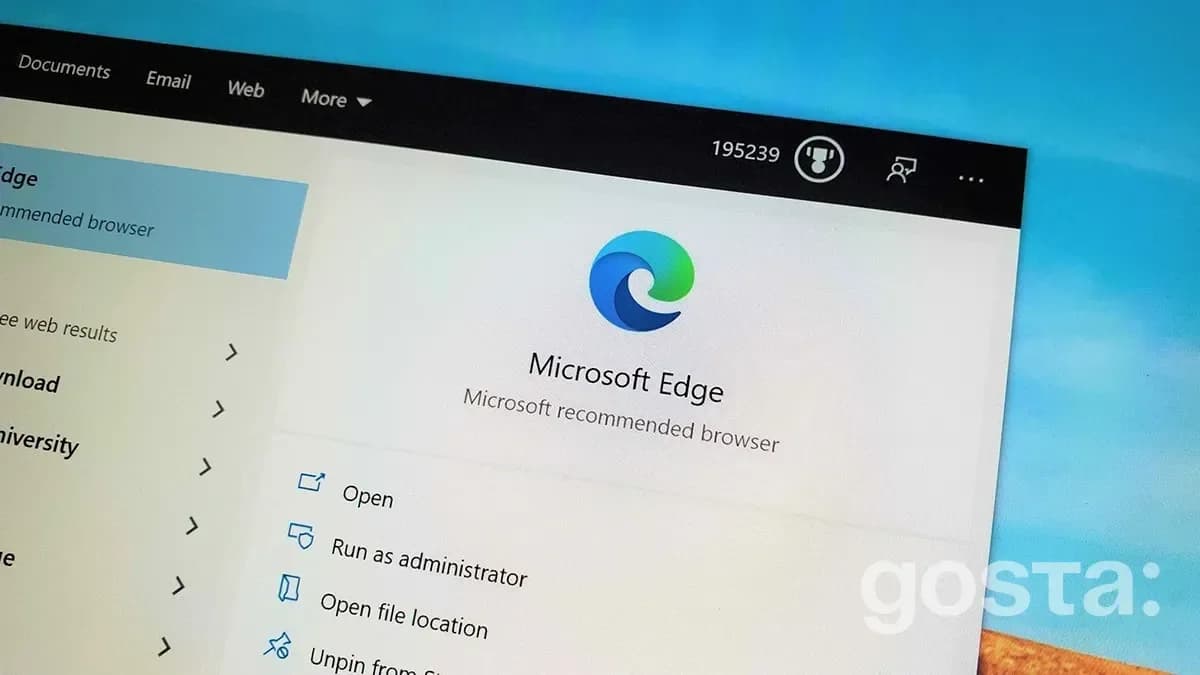
Does Microsoft Edge Have Drawbacks? Some users note the limited selection of themes and settings. However, for many, this simple, uncluttered interface is an advantage. Another downside – Edge does not support certain operating systems like Linux and iOS.
Mozilla Firefox – For Those Who Prioritize Secure Browsing
Mozilla Firefox stands out for its security and functionality. However, if you prefer fast browsers, be aware that its speed, though quite high, still lags behind Chrome and Edge. That said, it's one of the safest browsers, known for its open privacy policies. It also includes built-in tools for blocking trackers and ad systems.
Users appreciate its flexible settings and open-source code. But keep in mind that Mozilla Firefox can consume more RAM if many tabs are open.
Opera – For Those Who Love Speed and Privacy
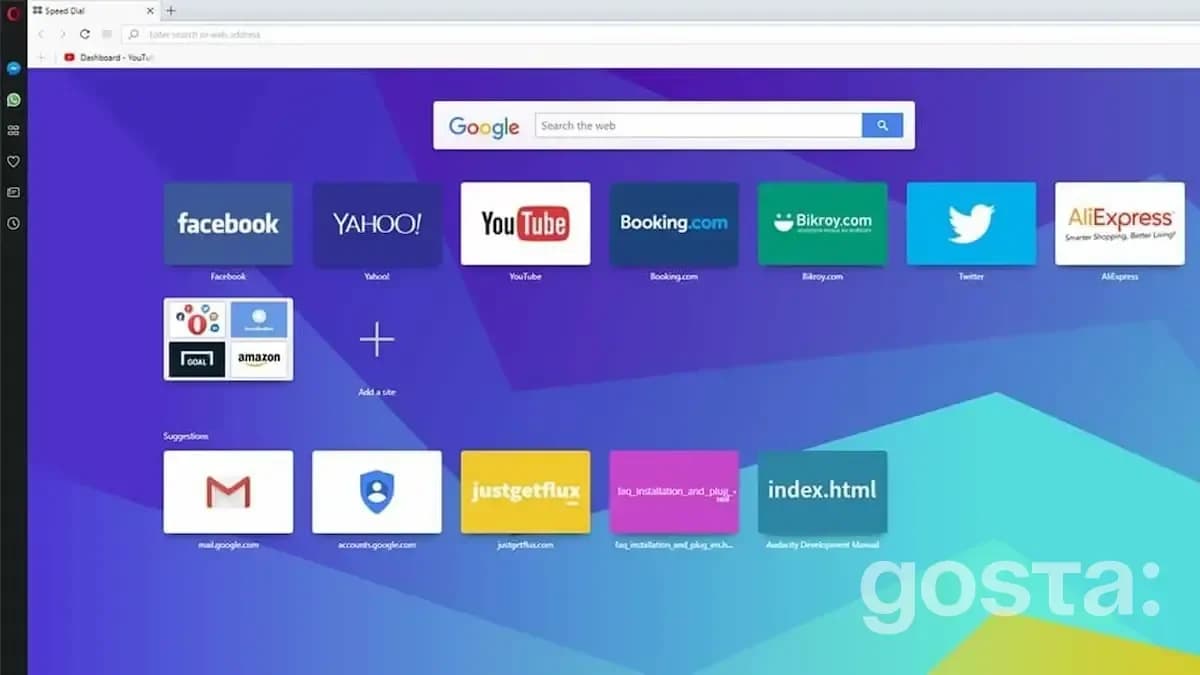
What attracts users to Opera? Most often, it's the built-in VPN. If you value your privacy, this is an excellent option, as you don't need to search for and install third-party, often paid, software. Moreover, Opera is significantly faster and more convenient than other privacy-focused browsers. In addition to VPN, users highlight its built-in ad blocker and integration with popular messengers.
Safari – The Best Browser for Apple Devices
When discussing the fastest browsers, Safari is not to be overlooked. It is fast and efficient. However, Safari works excellently only with MacOS and iOS. Attempts to adapt it for Windows to challenge other slower browsers were unsuccessful.
But if you use Apple's operating system, Safari fully reveals its advantages:
- Saves RAM.
- Helps save your device's battery.
- Ensures a high level of privacy by blocking trackers and ads.
The Best Browsers – Video
To learn more about the best and most popular browsers, watch the video:
Conclusions
All top browsers have their own advantages, and the choice depends on what you prioritize. If speed matters, choose browsers like Google Chrome, Edge, or Safari. For security, Firefox and Edge lead the way, while Chrome tops in convenience, with Safari and Edge closely behind. For privacy, Opera is a great choice.
FAQ About the Top 5 Popular Browsers
What Are the Most Popular Browsers in 2024?
Today, the most popular browsers are Google Chrome, Mozilla Firefox, Microsoft Edge, Safari, and Opera.
Why Is Google Chrome the Most Popular?
Other browsers fall behind in page loading speed. Chrome also syncs with your Google account.
What Makes Microsoft Edge Good?
It's fast, reliable, integrates with Microsoft services, and has a simple, user-friendly design that doesn't overwhelm or distract.
Best of the week — in your inbox
No spam. Only top Gosta stories. Unsubscribe in one click.
Comments